Installing control hardware 13
To connect to devices with reversed polarity, use a phase-reversing
adaptor (P/N 11820006).
To connect the AF-1 to a device with a 5-pin output, use a 5-pin male to 3-
pin female XLR adaptor cable (P/N 11820005). To connect the AF-1 to a
device with a 5-pin input, use a 3-pin male to 5-pin female adaptor cable
(P/N 11820004).
To connect the DMX data link:
1. Power all devices off.
2. Connect a data cable from the controller’s DMX data output to the first
device’s DMX input
3. Connect the DMX output of this device to the DMX input of the next
device.
4. Continue connecting up to a total of 32 devices in one single line,
output to input.
5. Terminate the link by inserting a male termination plug (available from
your Martin dealer: P/N 91613017) into the data output of the last
device. A termination plug is simply an XLR connector with a 120
Ohm, 0.25 W resistor soldered across pins 2 and 3.
Specifying DMX control channels
AF-1 and AF-2 fans use a single DMX control channel to receive
instructions from the controller. This control channel is the DMX address.
To control machines individually, each must have its own unique DMX
address. To control identical machines as a group, they can all be given
the same DMX address. They will then receive the same instructions and
should behave identically. Setting up identical fixtures with the same DMX
address can also be a good tool for troubleshooting unexpected behavior.
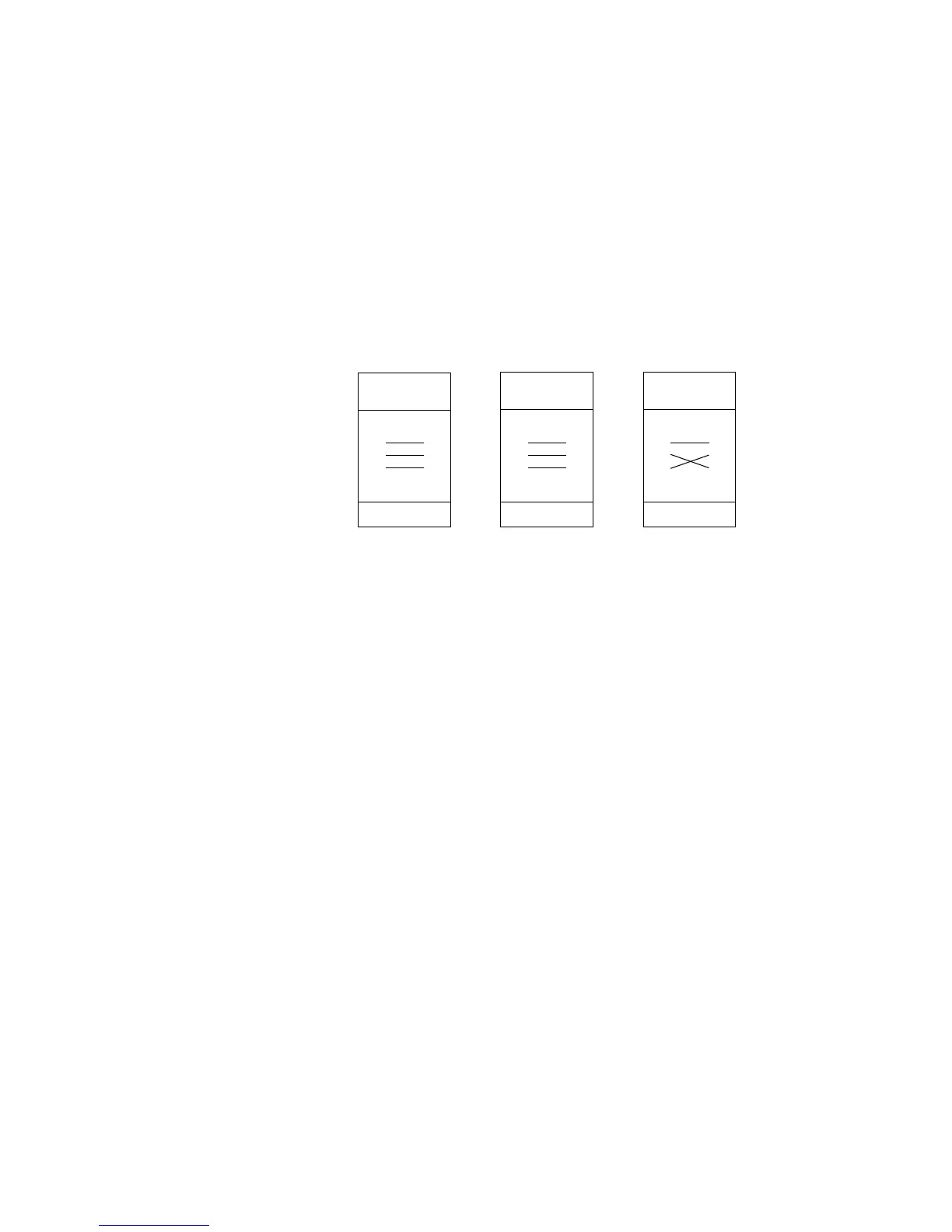
DMX adaptors: connection pins and polarity
Phase-Reversing
Adaptor
Male Female
1
2
3
1
2
3
3-pin to 3-pin
P/N 11820006
Adaptor
Male Female
1
2
3
4
5
1
2
3
5-pin to 3-pin
P/N 11820005
Adaptor
Male Female
1
2
3
1
2
3
4
5
3-pin to 5-pin
P/N 11820004


 To Next Page