4
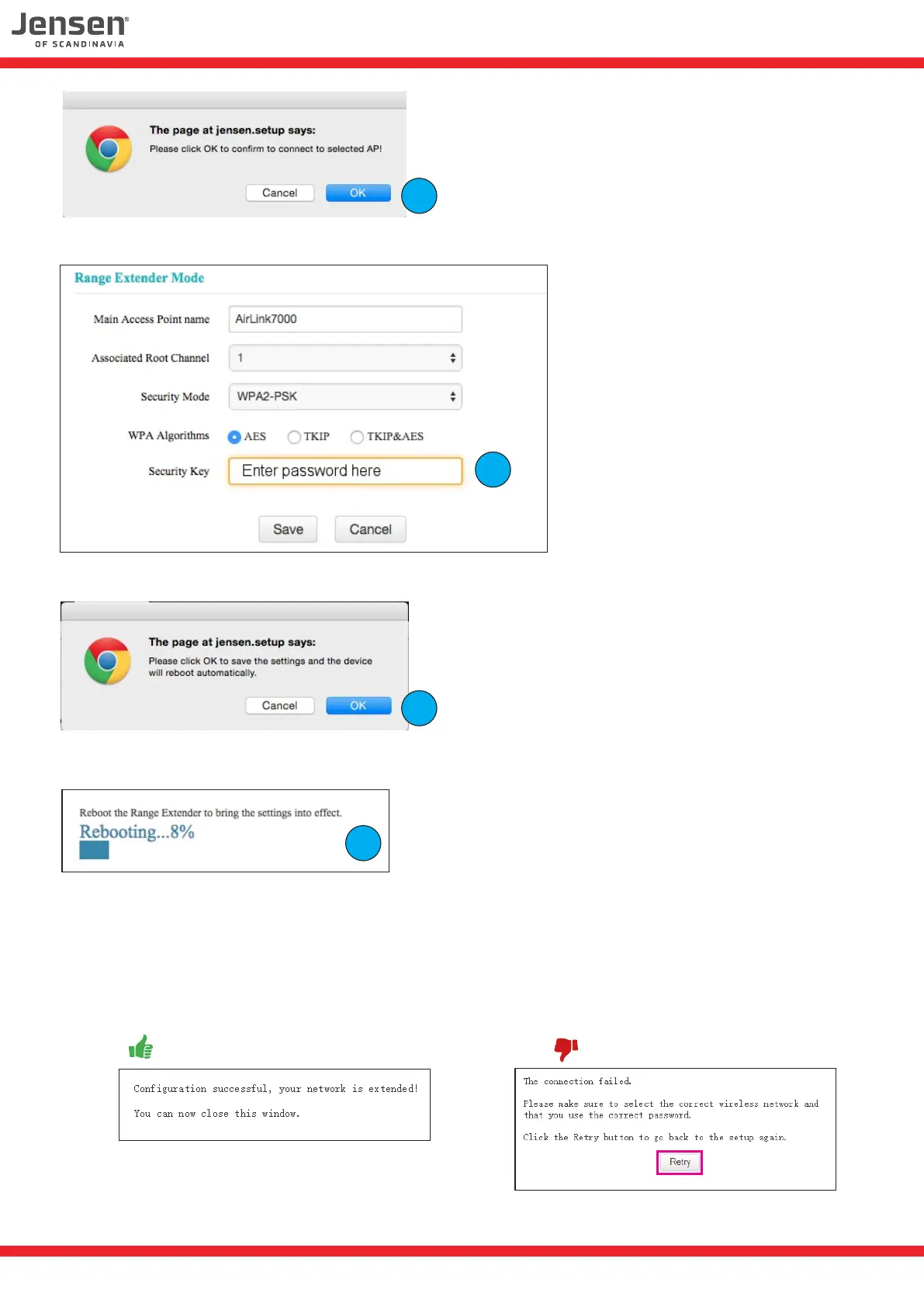
5. Click OK
.
6. Enter the password for your existing wireless network and click Save.
7. Click OK
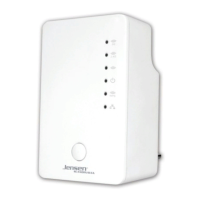
8. The Eagle 1500 will now do a reboot and try to connecting to your wireless network.
9. After the reboot you will get a message if the connection was successfull or not.
If the connection failed please click the Retry button, which will bring you back to the setup.
Please check if you have selected the correct network and entered the correct password.
6
5
7
8
Successfull connection Connection failed


 To Next Page