EasyManua.ls Logo

Jensen JCR-238 - User Manual

Jensen JCR-238
18 pages
Print Icon
To Next Page IconTo Next Page
Loading...
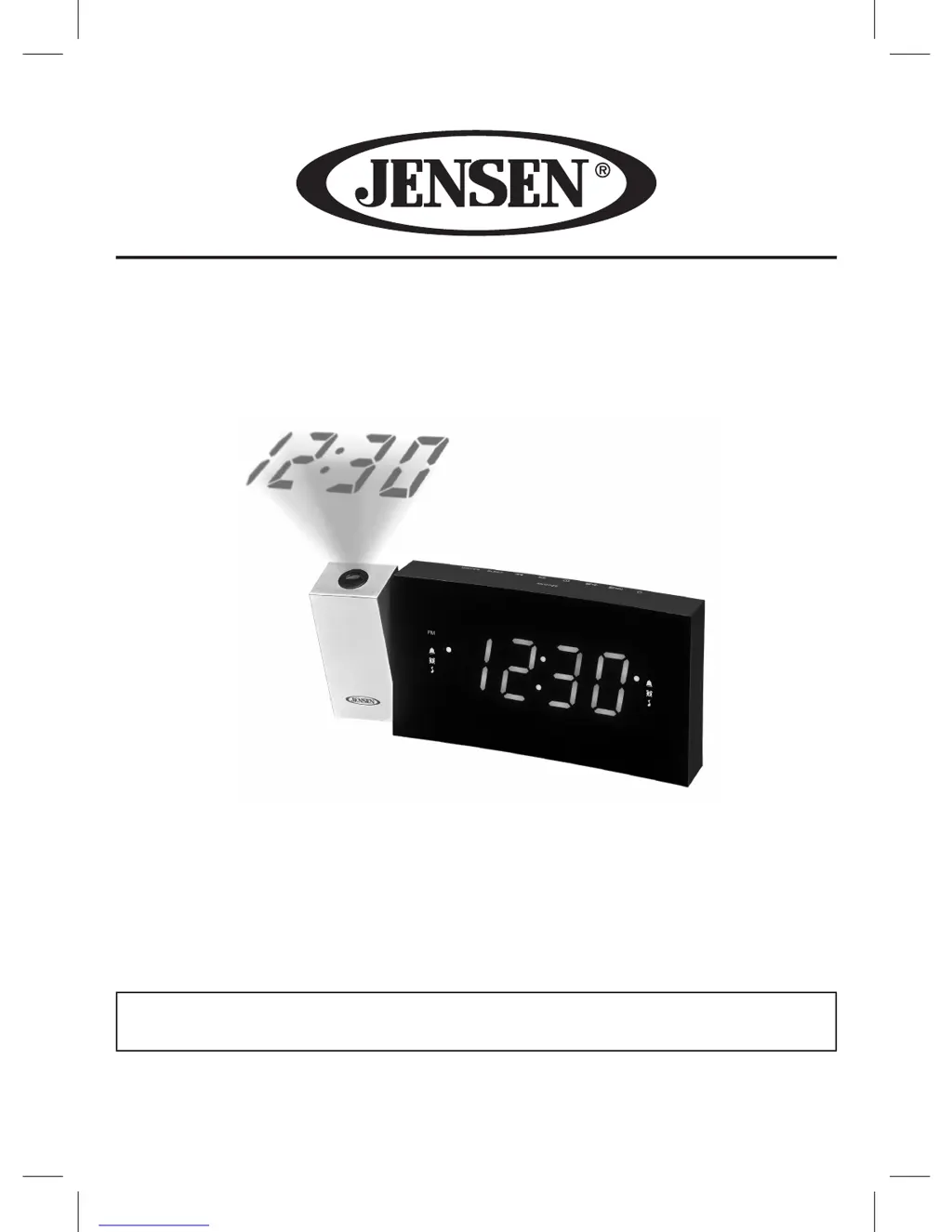
Digital Dual Alarm Projection Clock Radio
MODEL : JCR-238
USER MANUAL
PLEASE READ THIS USER MANUAL COMPLETELY BEFORE OPERATING
THIS UNIT AND RETAIN THIS BOOKLET FOR FUTURE REFERENCE

Questions and Answers

  • W
    William LindseyJul 27, 2025
    Why is there no sound on my Jensen Clock?
    • T
      Tracy SimsJul 28, 2025
      If you're not hearing any sound from your Jensen Clock, make sure the volume control isn't set to the minimum. Try increasing the volume to a comfortable listening level.
  • A
    allenantonioAug 3, 2025
    What to do if my Jensen JCR-238 USB is not charging?
    • C
      Cynthia WilliamsAug 3, 2025
      If the USB on your Jensen Clock isn't charging, the USB cable connection might be unstable. Disconnect and then reconnect the cable to ensure a secure connection.
  • M
    Melody MartinezAug 11, 2025
    How to fix noise or sound distortion on FM for Jensen JCR-238?
    • M
      Mr. Arthur CarrAug 11, 2025
      If you are experiencing noise or distorted sound on FM with your Jensen Clock, it could be due to a couple of reasons: * The broadcast station may not be tuned in properly. Try retuning to the station. * The antenna might not be fully extended. Make sure to fully extend the antenna.
  • R
    Ronnie LinAug 19, 2025
    What to do if my Jensen JCR-238 Clock power does not come on?
    • J
      Jared HernandezAug 19, 2025
      If your Jensen Clock isn't powering on, the power adapter connection might be unstable. Try reconnecting the adapter to ensure it's properly connected.

Summary

IMPORTANT SAFETY INSTRUCTIONS

WARNING

COMPLIANCE WITH FCC REGULATIONS

LOCATION OF CONTROLS

POWER SOURCE (AC ADAPTOR ONLY)

Battery Back-up system

Explains the function and requirements of the battery back-up system for clock and timer settings.

TIME AND CALENDAR SETTING

ALARM OPERATION

SNOOZE FUNCTION

RADIO OPERATION

SLEEP OPERATION

TIME PROJECTION

USB BATTERY CHARGING

Instructions for charging a cell phone using the unit's USB port.

CARE AND MAINTENANCE

TROUBLESHOOTING GUIDE

90 DAY LIMITED WARRANTY AND SERVICE VALID IN THE U.S.A. ONLY

Jensen JCR-238 Specifications

General IconGeneral
TypeClock Radio
Display TypeLED
AlarmYes
Snooze FunctionYes
Radio BandsAM/FM
Battery BackupYes
Sleep TimerYes
SpeakerBuilt-in
Power SourceAC
Alarm FeaturesWake to Radio or Alarm

Related product manuals