23
Application
Customizing the SETUP Settings
Loc k
12
6
Tim e Chan ne l
Mo de
Fo nt Style
Fo nt Size
Fo nt Edge Style
Fo nt Edge Color
FG Colo r
BG Colo r
FG Opac ity
BG Opac ity
Se lec t
MEN U
Pic tu re
Set up
Cu sto m
De fau lt
De fau lt
De fau lt
De fau lt
De fau lt
De fau lt
De fau lt
De fau lt
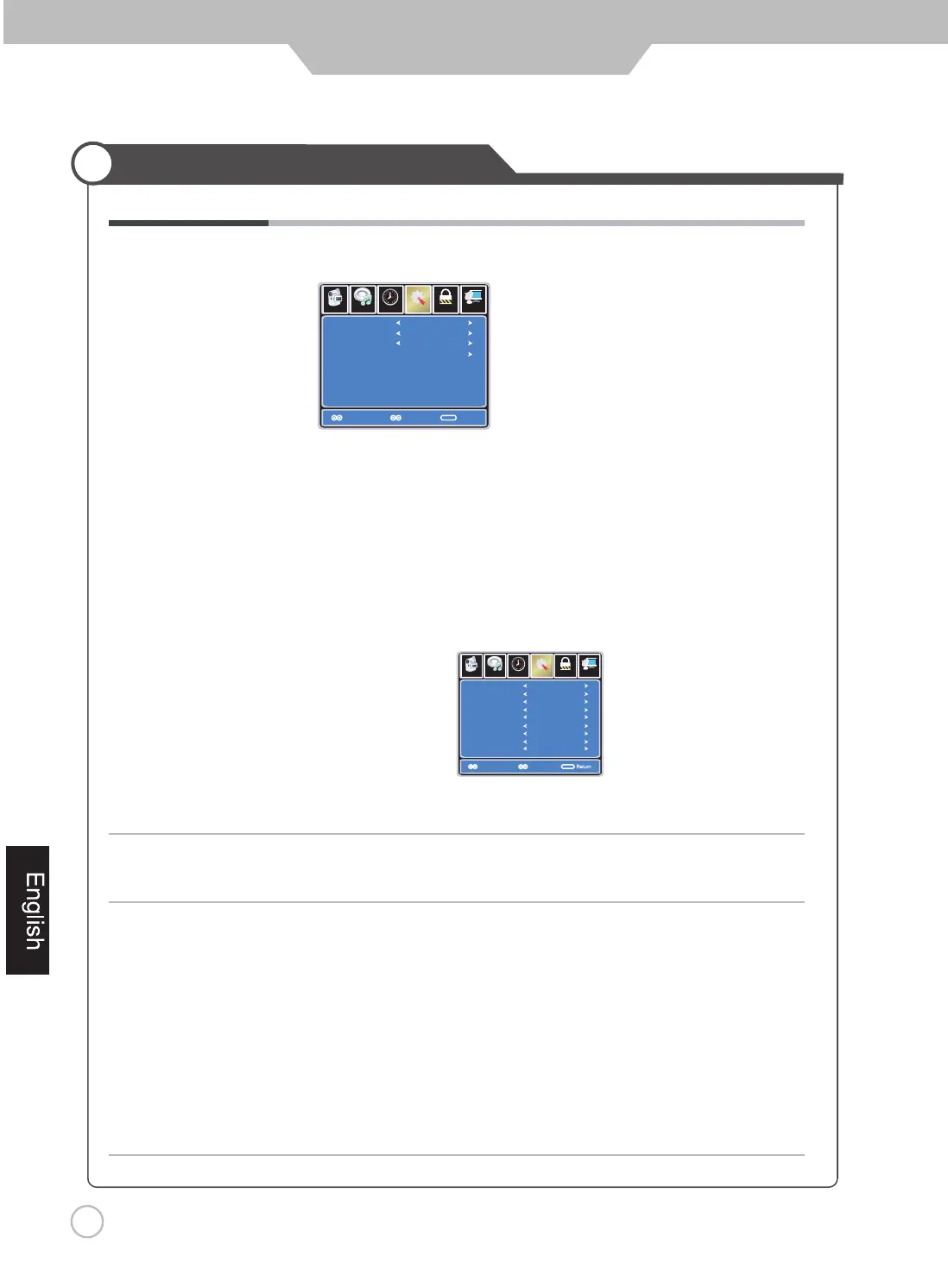
Use UP and DOWN buttons to highlight the desired item,
and use LEFT and RIGHT buttons to select.
Closed Caption Use Down button to highlight “Closed Caption”, then press RIGHT button
or ENTER to enter into the following menu.
Lo ck
12
6
Tim e Ch an ne l
CC M ode
Ba sic Sel ection
Ad vance d S elec tion
Op tion
On
MEN U
Pi ct ur e
CC 1
Servic e1
Se t up
CC Mode Allows you to select the CC Modes: On, Off and
CC on Mute.
Basic Selection Allows you to select the basic selections: CC1, CC2,
CC3, CC4, Text1, Text2, Text3 and Text4.
Advanced Selection Allows you to select the advanced services:
Service1, Service2, Service3,Service4, Service 5 and
Service 6.
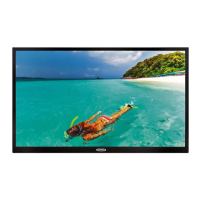
Option Use Down button to highlight the “Option” item, then press
RIGHT button to enter into the following menu.
Select
Mo ve
Audio Out Allows you to select between Variable and Fixed.
Restore Default
Audio
Move
Audio
Return
Return
Note: The TV Speakers need to be set to Off in the Audio Menu before the Audio Out setting is enabled.
Restores all settings in SETUP menu to factory settings.


 To Next Page