17
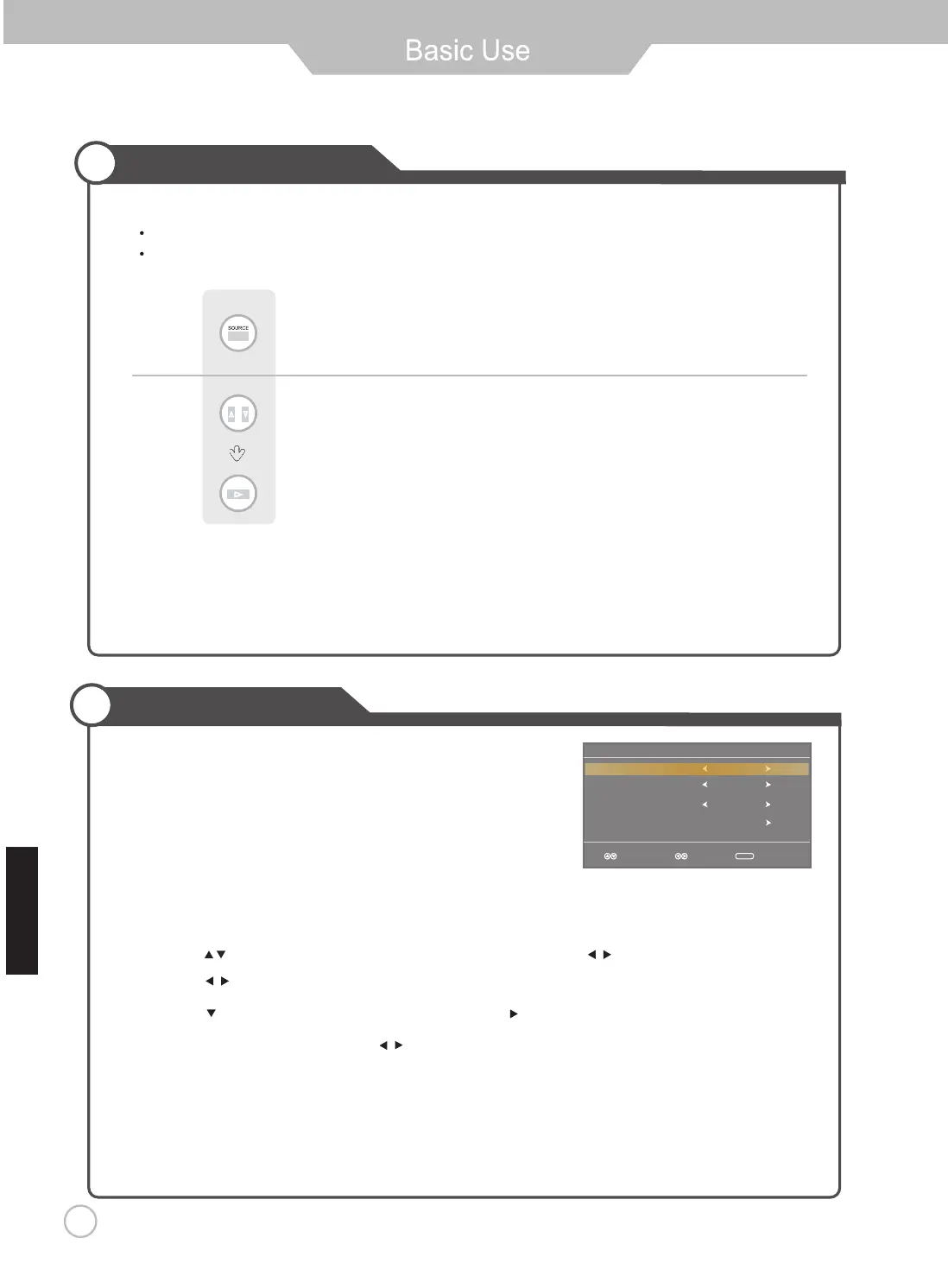
Selecting Input Source
Note: After you have selected the desired input sorce and pause for a few moments,
then LED TV will automatically enter the seleted mode.
Initial Setup Wizard
Setup Wizard
Air/Cable
Cable System
Auto Scan
English
Cable
STD
Sel ect Move Exi t
MENU
Menu Language
After connecting your TV antenna or Coaxial cable, turn the television
The quick setup wizard will display on-screen. Select your preferred
language followed by antenna options and performing Auto Scan to receive
local broadcast channels that will be stored in the TV tuner memory.
dnuof slennahC .nacS otuA lennahC eht nur dna snoitpo annetna tceles ot unem VT eht ot uoy tcerid lliw draziw ehT
will be stored in the TV tuner memory.
How to Navigate:
Press the •
Press the •
arrow button to highlight Menu Language and then press
arrow button to highlight CABLE /
AIR
based on your antenna connection.
Press the • arrow button to select Auto Scan and press (when Cable is selected, ‘AUTO’ is
recommended). Otherwise, press the arrow button to select Cable System .otuA > CRH > CRI > DTS :
button to select OSD Language.
arrow
ON.
Press button on the remote control.
Use to move to the desired input source.
Press to select.
You can select between the TV signal and the input signal of other equipment connected to the TV.
Use this function to switch to the input source you wish to view.
E gn l hsi


 To Next Page