26
Troubleshooting
Self Diagnosis
Diagnose issues with your TV.
> Settings > Support > Self Diagnosis
Use the Network Test to test network connection and use the Input Connection Test to
show all related information with external connections.
Internet Problem
When the TV has diculties connecting to the Internet, these steps may help resolve the
problem.
Network Test
> Settings > Support > Self Diagnosis > Network
Test If the TV network is connected, the screen will display Connected successfully.
The Problem
The Problem
The TV cannot connect
to your network or apps.
No sound and picture.
The wireless network
connection failed.
The wireless network
signal is too weak.
Make sure the TV has a network connection.
• Run Network Test (
> Settings > Support > Self Diagnosis >
Network Test).
• Contact your Internet service provider.
Make sure your wireless modem/router is on and connected to the
Internet.
Position your wireless router, modem router, or access point in a central
location. Avoid putting it in a corner.
Possible Solutions
Possible Solutions
Input Connection Problem
When the TV has no input signal, these steps may help solve the problem.
Input Connection Test
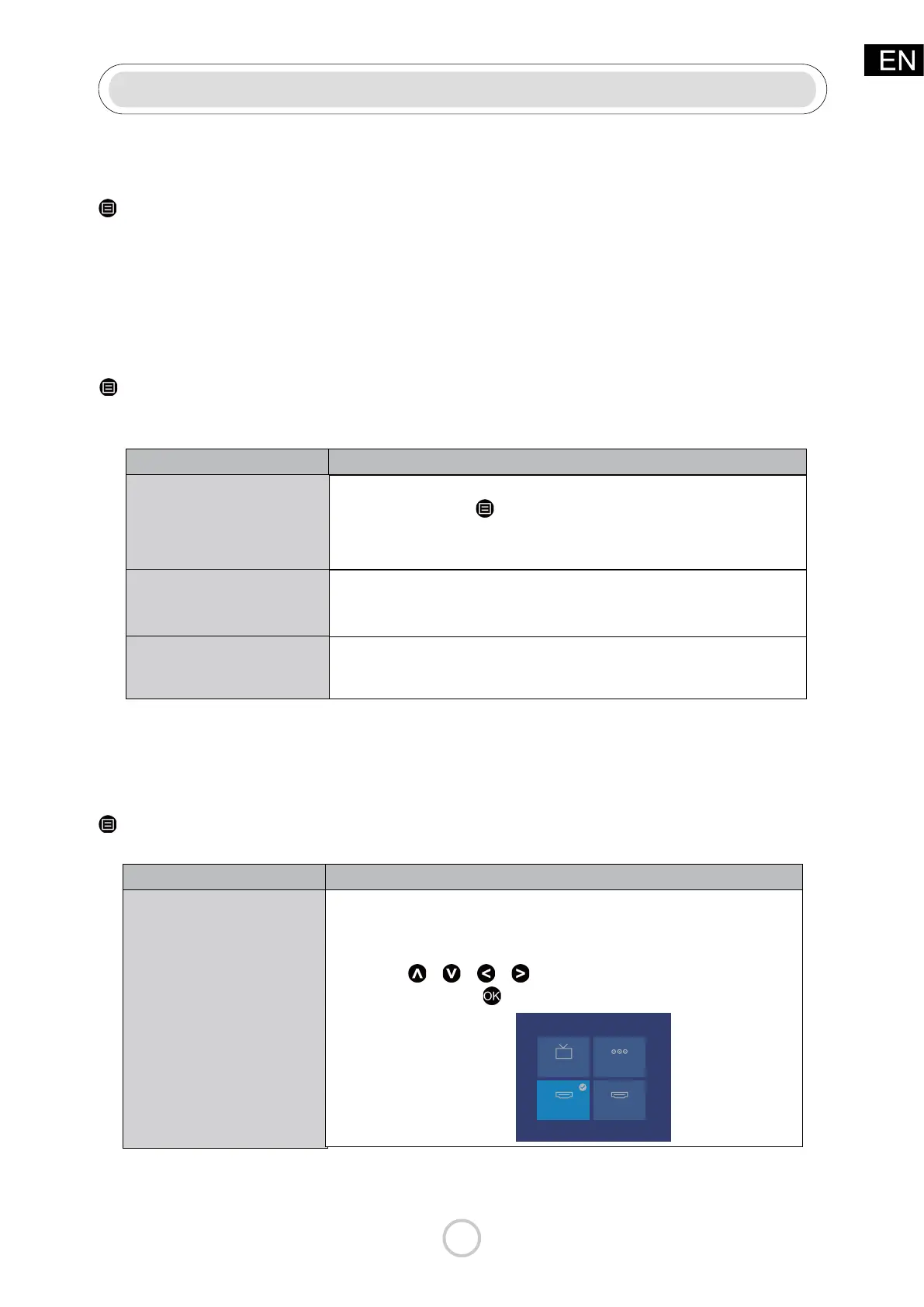
> Settings > Support > Self Diagnosis > Input Connection Test
• Check the correct connection on the external source and the input
connection on the TV.
• Make sure you have made the correct selection for the input mode for
the incoming signal.
Press the
/ / /
button on the remote control to select the
menu option, Press the
button to conrm the selection.
Input Connection Test
ANT/CABLE
HDMI 1
HDMI 1
AV
HDMI 2
HDMI 2



 To Next Page