Startup
1. Wait a few minutes to make sure the network is connected.
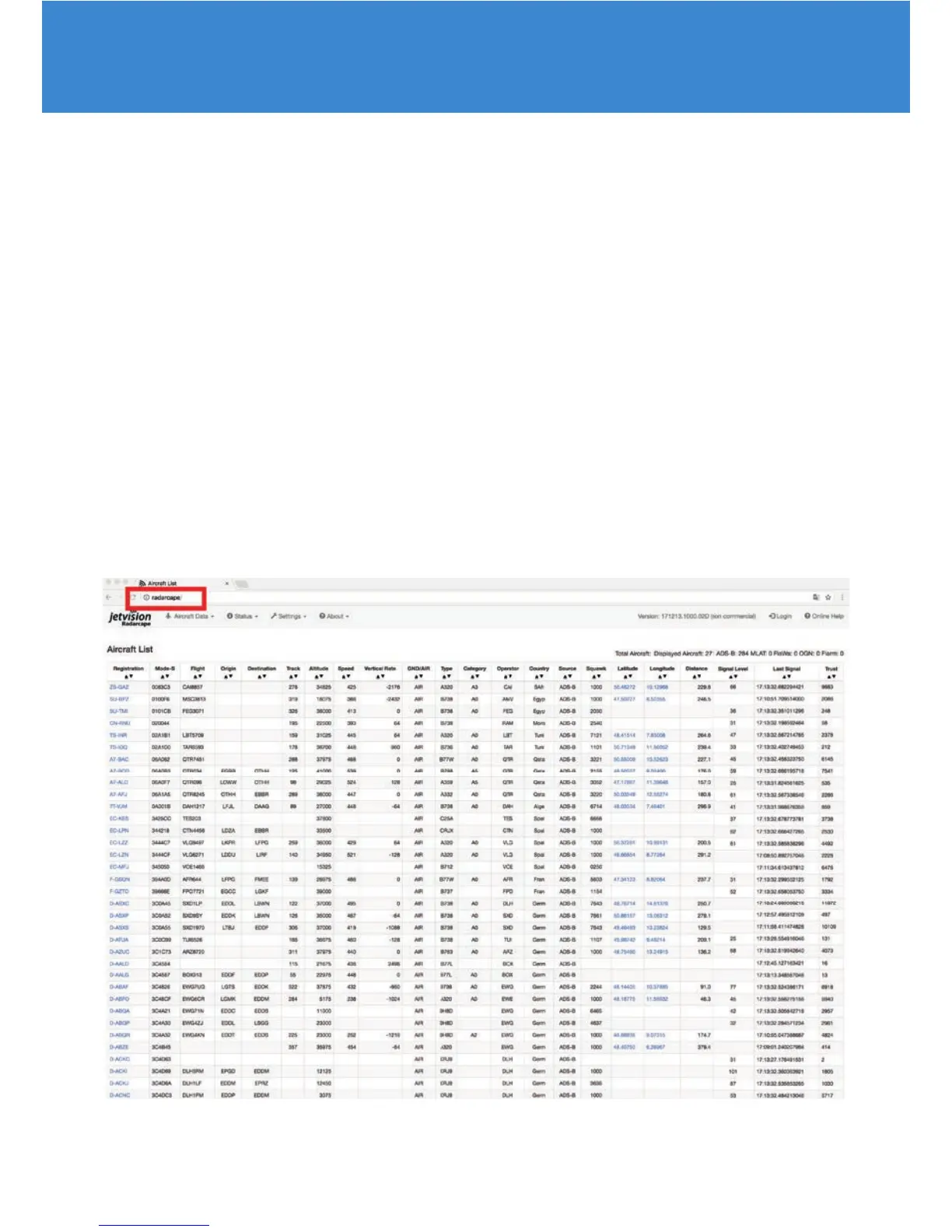
2. Open an Internet browser on your PC.
We recommend to use always the latest version of one of the following
Internet browsers:
• Internet Explorer
• Firefox
• Chrome
• Safari
3. Enter http://radarcape to open the Radarcape user interface.
In rare cases, http://radarcape.local must be used as some router models use
a non-standard con guration.


 To Next Page