16
Installation of driver 7.2
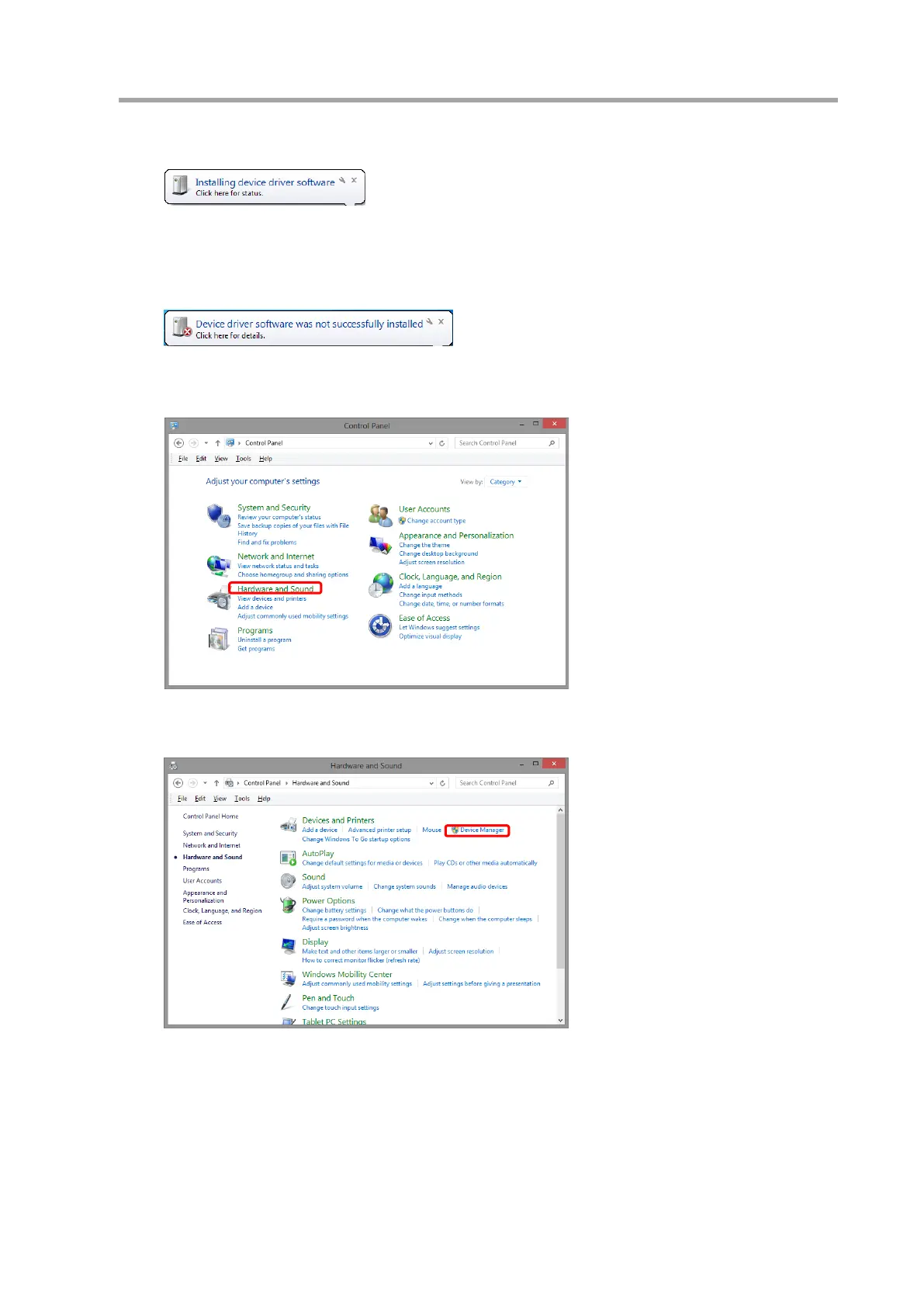
(1) The screen below will be displayed if the interface is connected to the computer.
(2) The driver needs to be installed if it displays the screen below. Follow the steps below.
Following procedures are not necessary if the driver is properly installed.
(3) Open [Control Panel] from start menu and click [Hardware and Sound].
(4) Click [Device Manager].



 To Next Page