5.3 Click “Work Mode” and the “Work Mode” interface will appear, here you can set the “Work Mode”.
Please see Picture 11
Notice:
1. In STA mode, after the web server is connected to the router, it will work as a client only, and the SSID of AP
network will be invisible.
2.
In AP mode, after the web server is connected to the router, it will work as another router, and the SSID of
the AP network will be visible.
3.
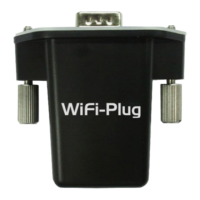
The WiFi Plug works under both AP and STA mode is recommended.
Picture 11


 To Next Page