EasyManua.ls Logo

JGC JGC-MEG-1006 - User Manual

JGC JGC-MEG-1006
33 pages
Go to English
Print Icon
To Next Page IconTo Next Page
Loading...
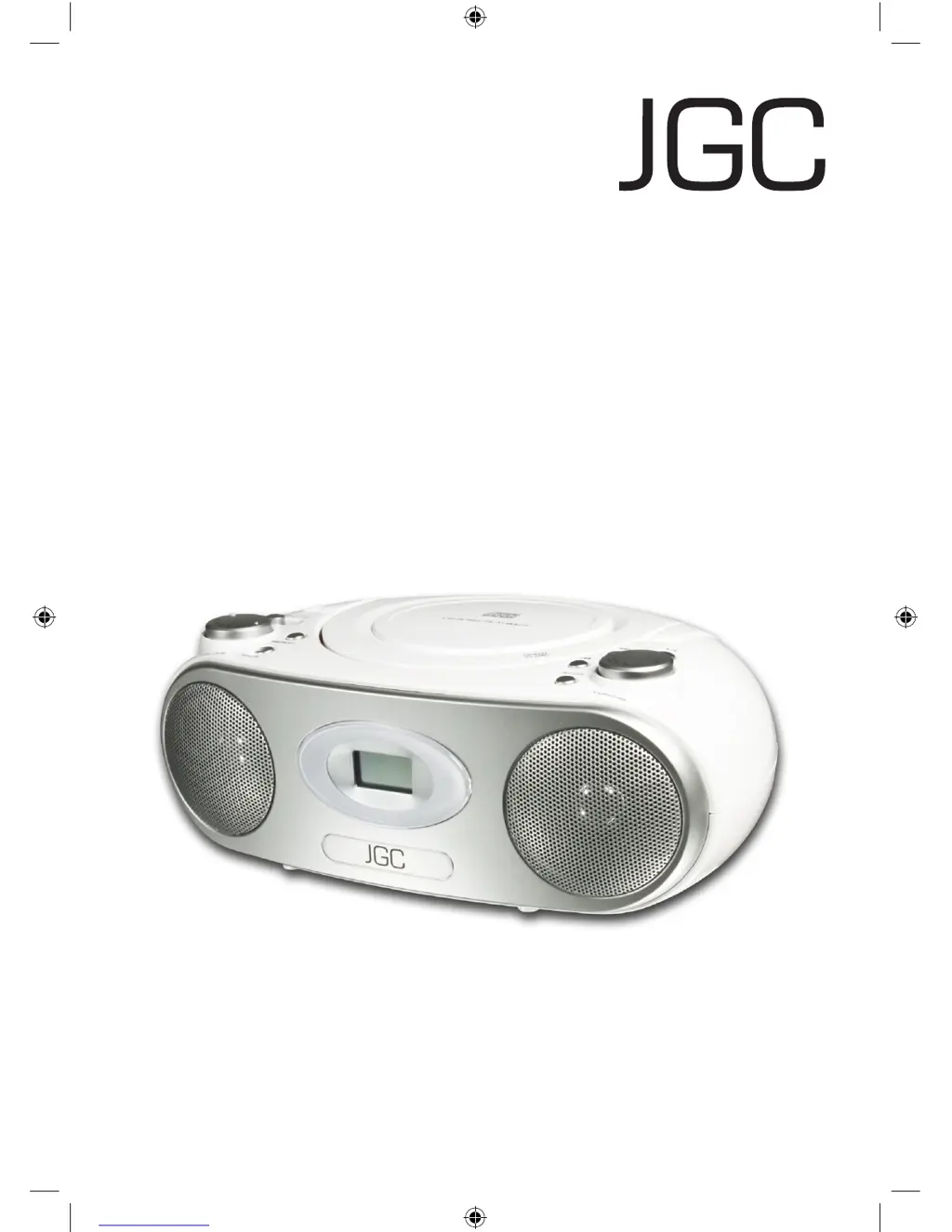
Tragbares CD Radio
Portable CD Radio
JGC-MEG-1006
Bedienungsanleitung
User Manual
D
JGC-MEG-1006-IM-DE-EN-V1.indb 1 30/11/2009 1:08 PM

Questions and Answers

  • A
    Audrey TaylorAug 11, 2025
    What to do if JGC CD Player is skipping tracks?
    • J
      Jonathan WoodAug 11, 2025
      If your JGC CD Player is skipping tracks, it might be due to a dirty or scratched CD. Try cleaning the CD or using a different one. Also, if a program is currently playing, ending program playback may solve the issue.
  • P
    Phillip GrayAug 21, 2025
    Why is there no sound from my JGC CD Player?
    • B
      brian13Aug 21, 2025
      If there's no sound from your JGC CD Player, ensure the volume is properly adjusted. Depending on your setup, you might need to adjust the volume on both the externally connected device and the CD player itself. If your external device uses a LINE-OUT jack, then adjust the volume on the CD player.
  • L
    leslie32Aug 29, 2025
    What to do if JGC JGC-MEG-1006 CD Player display is blank?
    • D
      dianewhiteheadAug 29, 2025
      If your JGC CD Player shows a blank display and doesn't respond to button presses, it might be due to electrostatic discharge. To resolve this, switch off the device, unplug it, wait briefly, and then plug it back in.

Summary

Important Safety Instructions

General Safety Precautions

Provides essential safety guidelines for using the device, including warnings about misuse and repairs.

Power Supply Safety

Covers connecting the device to power, unplugging safely, and handling the power cord to prevent damage.

Battery Handling Safety

Offers crucial safety advice on battery installation, handling, replacement, and disposal to prevent hazards.

Control Elements

Basic Functions

Selecting Operating Modes

Explains how to select different operating modes like CD, AUX, AM, and FM using the function switch.

External Device Connection

Guides on connecting external audio devices via the AUX IN jack and playing music through the radio's speakers.

CD-Player

CD Insertion and Removal

Provides step-by-step instructions for inserting and removing CDs, including initial setup and safety notes.

Audio CD Playback

Explains how to play audio CDs, including playback controls like play/pause, stop, skip, rewind, and fast forward.

Troubleshooting

General Problem Solving

Addresses general problems like no sound or blank display, providing solutions for common issues.

CD Player Troubleshooting

Covers common CD player problems like not working, skipping tracks, or unreadable discs, with corresponding solutions.

JGC JGC-MEG-1006 Specifications

General IconGeneral
BrandJGC
ModelJGC-MEG-1006
CategoryCD Player
LanguageEnglish

Related product manuals