EasyManua.ls Logo

JGC JGC-RRMP-8310 - User Manual

JGC JGC-RRMP-8310
41 pages
Go to English
Print Icon
To Next Page IconTo Next Page
Loading...
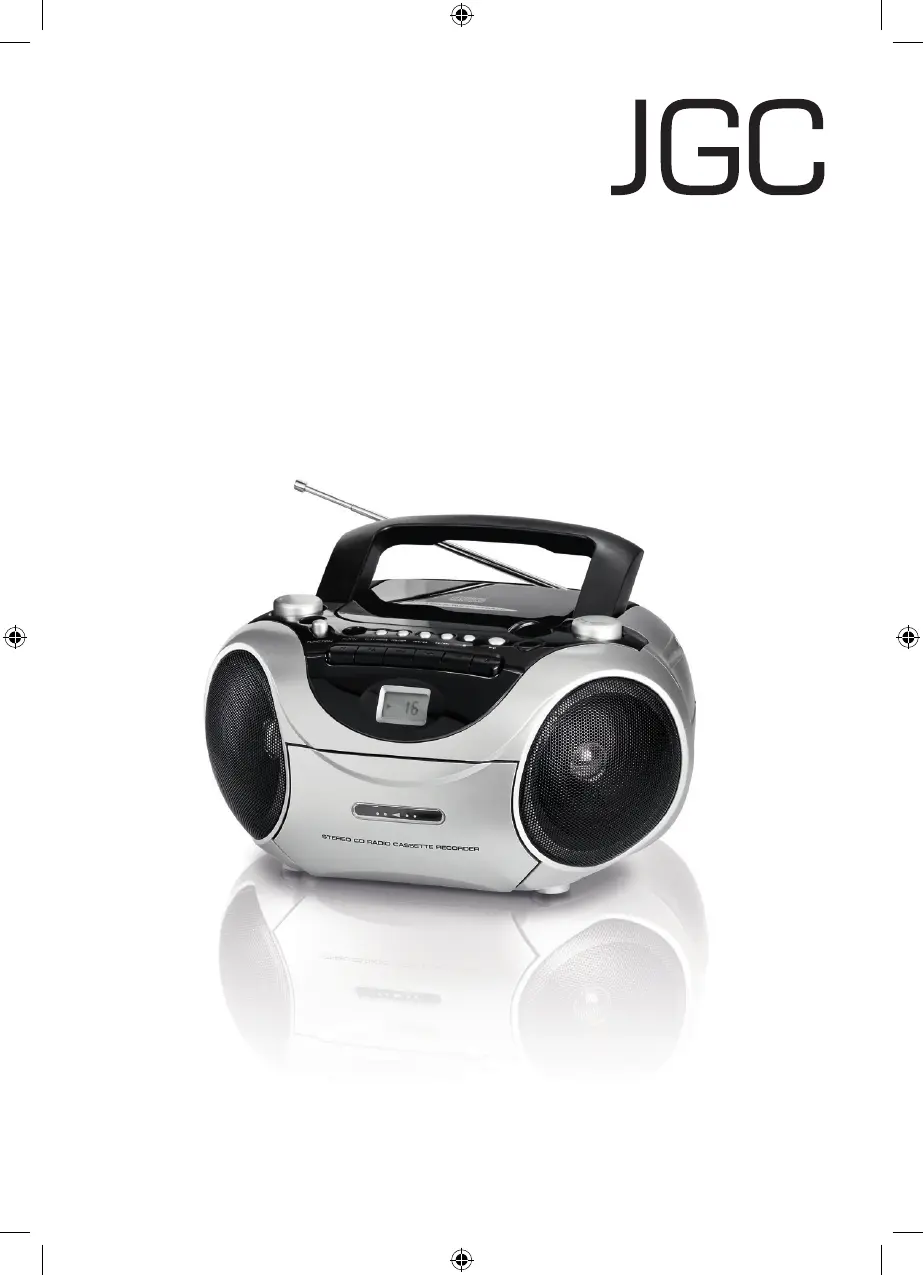
CD Radio
JGC-RRMP-8310
Bedienungsanleitung
User Manual
D
JGC-RRMP-8310-IM-DE-EN-V1.indb 1 14/05/2010 3:50 PM

Questions and Answers

  • S
    Sean JohnsonAug 10, 2025
    Why is there no sound coming from my JGC JGC-RRMP-8310 CD Player?
    • C
      Candace BurnsAug 10, 2025
      If there is no sound from your JGC CD Player, there might be a few reasons: * The volume could be set too low; try increasing the volume. * The plug might not be correctly plugged in; ensure it is properly connected. * There might be no batteries in the battery compartment; insert 8 batteries (C/UM2/LR14).
  • J
    James SchaeferAug 20, 2025
    What to do if my JGC JGC-RRMP-8310 CD Player display is blank and buttons don't respond?
    • S
      Stacey McknightAug 20, 2025
      If the display of your JGC CD Player is blank and the buttons aren't responding, it might be due to electrostatic discharge. To resolve this, switch off the device, pull out the plug, wait briefly, and then plug it back in.
  • M
    Mark PenaAug 30, 2025
    Why am I getting disturbances when playing FM or AM radio on my JGC JGC-RRMP-8310 CD Player?
    • G
      gilbertanthonyAug 30, 2025
      Disturbances when playing FM or AM radio on your JGC CD Player can occur due to several reasons: 1. The station might not be properly tuned; try tuning the station again. 2. If you are using FM, the telescopic antenna might not be fully extended; pull the antenna fully out. 3. If you are using AM, the device might be in a location with poor reception; try to find the optimum position for the device.

Summary

Important Safety Instructions

Symbol Legend and General Safety

Explains warning symbols and provides general safety advice for device usage.

Control Elements Overview

Front Panel Controls

Identifies and describes all buttons, switches, and displays on the front panel.

Preparation and Setup

Device Setup and Battery Operation

Instructions for placing the device and operating it with batteries.

Basic Functions

Mains Operation and Switching

Explains connecting to mains power and how to switch the device on/off.

Operating Modes and Volume Control

Guides on selecting modes (CD, TAPE, FM, AM) and adjusting volume.

Radio and CD Player Operation

Antennae and Radio Tuning

Guides on using the antenna for FM/AM reception and tuning stations.

CD Formats and Insertion

Information on supported CD formats and the procedure for inserting CDs.

CD Player Playback

Playing Audio CDs and Track Control

Instructions for playing audio CDs, using play/pause, stop, and track skipping.

CD Player Programming and MP3

Cassette Recorder Operations

Recording onto Cassette

Instructions for recording audio from radio or CD onto a cassette tape.

Troubleshooting - General and Radio

Troubleshooting - CD and Cassette

JGC JGC-RRMP-8310 Specifications

General IconGeneral
BrandJGC
ModelJGC-RRMP-8310
CategoryCD Player
Supported Disc TypesCD, CD-R, CD-RW
Frequency Response20Hz - 20kHz
Output Voltage2V
Digital OutputCoaxial
Power SupplyAC 50Hz

Related product manuals