EasyManua.ls Logo

JGC JGC-UR-210 - User Manual

JGC JGC-UR-210
31 pages
Go to English
Print Icon
To Next Page IconTo Next Page
Loading...
Tragbares Uhrenradio
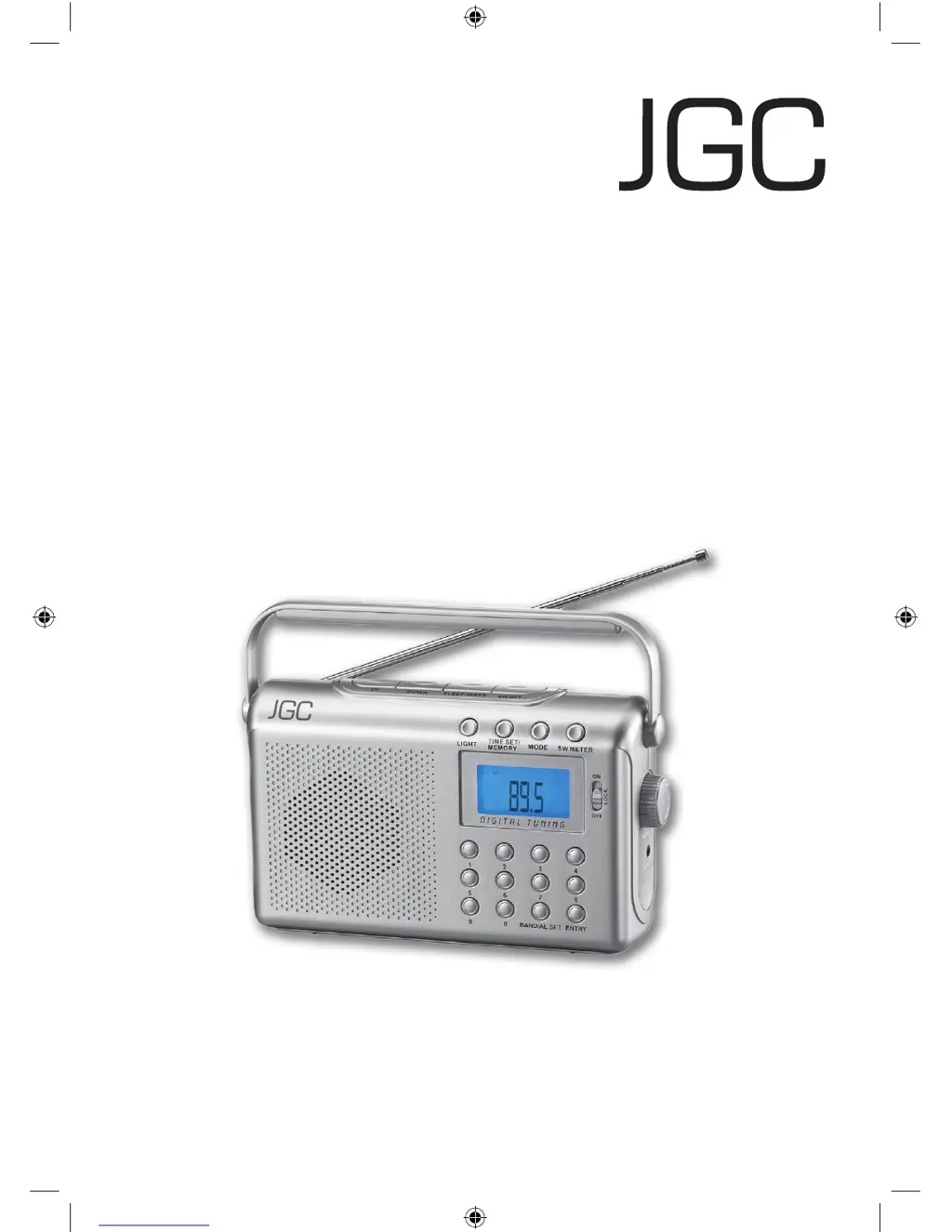
Portable Clock Radio
JGC-UR-210
Bedienungsanleitung
User Manual
D
JGC-UR-210-IM-DE-EN-V3.indb 1 03/12/2009 10:41 AM

Questions and Answers

  • D
    Diane MartinAug 10, 2025
    Why is there no sound on my JGC JGC-UR-210 Clock Radio?
    • N
      Nathan AndersonAug 10, 2025
      If your JGC Clock Radio has no sound, there are a couple of things to check: * First, make sure the volume isn't set too low; try increasing it. * Second, verify that the plug is correctly inserted into the power outlet. If not, plug it in properly.
  • T
    Troy JohnsonAug 20, 2025
    What to do if my JGC Clock Radio display is blank and buttons don't respond?
    • K
      Kyle GregoryAug 20, 2025
      If the display on your JGC Clock Radio is blank and the buttons aren't responding, it could be due to electrostatic discharge. Try switching off the device, pulling out the plug, waiting a moment, and then plugging it back in. Also, ensure the buttons aren't locked by checking the LOCK switch and unlocking it if necessary.
  • R
    Regina RamseyAug 30, 2025
    How to fix disturbances when playing radio on my JGC JGC-UR-210 Clock Radio?
    • T
      Tanya HunterAug 30, 2025
      If you're experiencing disturbances while playing the radio on your JGC Clock Radio, here are a few things to try: 1. Ensure the station is properly tuned. Try tuning it again. 2. Make sure the telescopic antenna is fully extended. 3. Experiment with the device's position to find an optimal location with better reception.

Summary

Important Safety Instructions

General Safety

General safety guidelines for device usage and maintenance.

Installation Location

Guidelines for placing the device to ensure proper operation and safety.

Power Supply Safety

Instructions for connecting and disconnecting the device's power supply safely.

Battery Safety

Precautions and guidelines for safe battery installation and handling.

Control Elements

Device Controls Overview

Identification and function of all buttons, switches, and display elements.

Preparation

Setting Up the Device

Instructions for placing the radio on a suitable surface and ensuring ventilation.

Battery Operation

Guidance on inserting batteries and operating the radio using battery power.

Basic Functions

Mains Operation

How to connect and operate the radio using the AC power supply.

Radio Operation

Clock Functions

Cleaning and Troubleshooting

Warranty Information

Manufacturers Warranty Details

Information regarding the product's manufacturer warranty terms, conditions, and exclusions.

JGC JGC-UR-210 Specifications

General IconGeneral
BrandJGC
ModelJGC-UR-210
CategoryClock Radio
LanguageEnglish

Related product manuals