EasyManua.ls Logo

JHS D025B-25PT - User Manual

JHS D025B-25PT
16 pages
Print Icon
To Next Page IconTo Next Page
Loading...
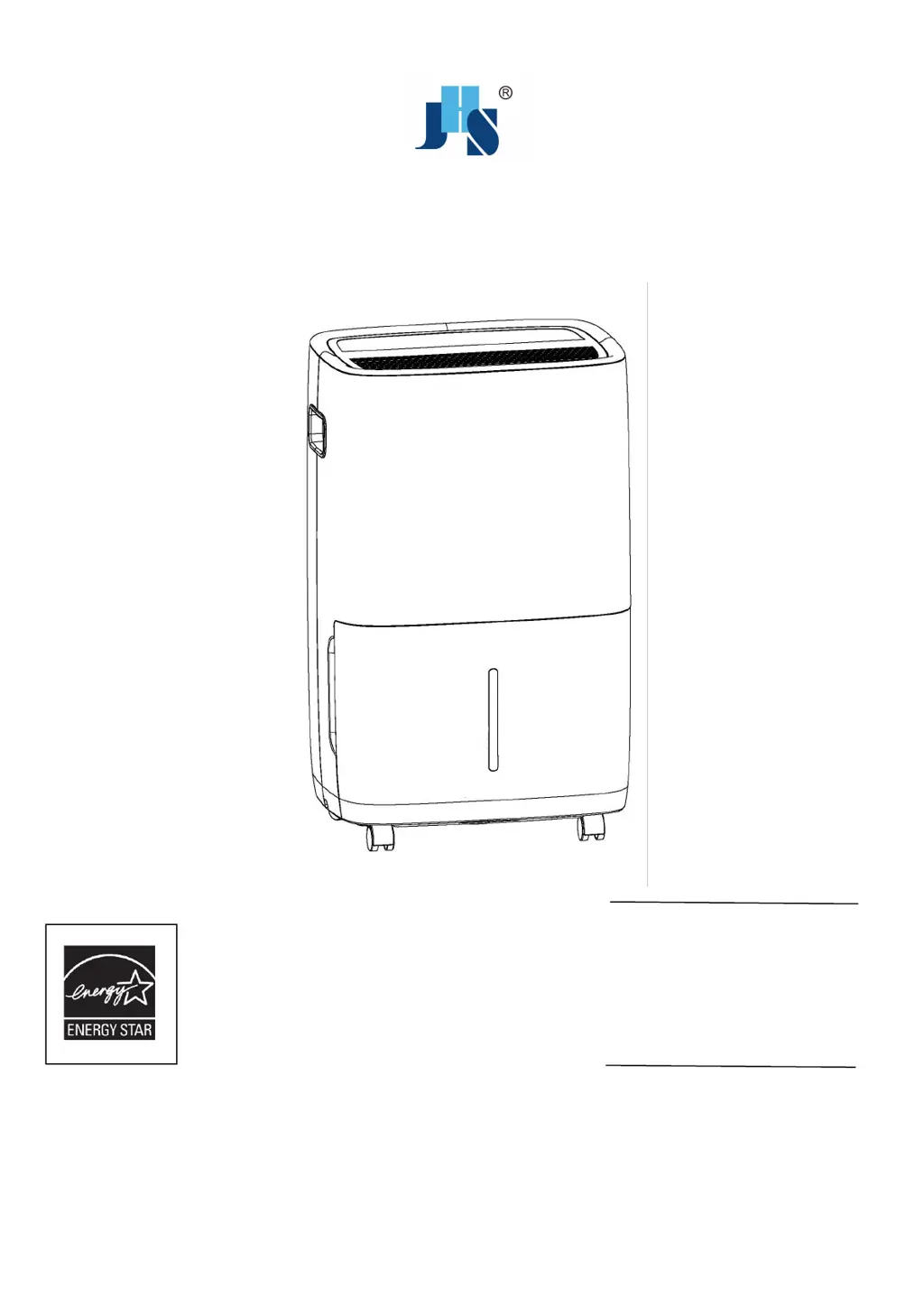
DEHUMIDIFIER
Owners Manual
KEEP THESE INSTRUCTIONS FOR FUTURE REFERENCE
ENERGY STAR® qualified
units remove moisture
with less energy than
conventional
dehumidifiers.
D025B-25PT
D025B-35PT
D026B-50PT
D026B-50PT-P

Questions and Answers

Summary

Thank You

Safety Warnings

General Safety Precautions

Covers essential safety guidelines like avoiding wet hands, ensuring grounding, and not exceeding power outlet ratings.

Usage and Environment Safety

Instructs on safe operation, including clearance space, avoiding foreign objects, and not placing containers on the unit.

Features

Powerful Dehumidifying Capability

Leverages refrigeration technology to powerfully remove moisture, reducing room humidity for comfort.

Unique Portable Design

Compact and lightweight unit with casters for easy room-to-room mobility.

Customized Mode

Allows setting specific humidity levels for different areas like sleeping, living, or basement.

Save Money

Energy-Star rated unit removes moisture efficiently, costing less than non-Energy Star models.

Technical Data

Product Overview

Operating Instructions

Power Button

Turns the dehumidifier on and off. Press to activate or deactivate the unit.

Filter Button

Alerts when the filter needs cleaning. Switch unit OFF, clean filter, replace, and switch ON.

Fan Speed Button

Cycles through High, Medium, and Low fan speeds for moisture removal or quiet operation.

Humidity Button

Adjusts humidity level in 5% increments (35%-80% RH) or enables continuous operation (CO).

Mode Button

Selects preset modes like Sleeping Area (55%), Living Area (50%), or Basement (45%).

Timer Button

Programs auto on/off times in 30 min/1 hr increments up to 24 hrs, and includes Child-Lock mode.

Mirage Button

Controls the backlit display showing actual room humidity for easy visibility across the room.

Removing Collected Water

Drain Bucket

Manual removal of collected water by emptying the bucket when the indicator is on.

Continuous Drainage Setup

Attaching a garden hose for automatic water emptying to allow continuous operation.

Pump Draining (Pump Models)

Utilizing an internal pump with a JHS drain hose for automatic water removal up to 16ft.

Cleaning & Maintenance

Grill and Case Cleaning

Instructions for cleaning the exterior using water and mild detergent, avoiding bleach or abrasives.

Bucket Cleaning

Procedure for cleaning the water bucket periodically to prevent mold and bacteria growth.

Air Filter Cleaning

Steps to remove, wash, and dry the air filter for optimal unit performance.

Storing the Dehumidifier

Guidelines for safely storing the unit, including drying, cleaning, and proper placement.

Troubleshooting

Common Operational Problems

Addresses issues like unit not starting, poor drying, noise, frost, and water leaks with potential solutions.

Self-Diagnosing Codes

Lists error codes (E1, E2, EH, E5) and their possible causes, recommending contact for resolution.

JHS D025B-25PT Specifications

General IconGeneral
BrandJHS
ModelD025B-25PT
CategoryDehumidifier
LanguageEnglish