7
• Remove all traces of moisture from “JIC” device, accessories as well as from the car accumulator.
BY NO MEANS start the car engine if there is humidity in these areas.
• Make sure that the car accumulator terminals are clean (to provide better electrical contact).
• Prior to clamps connecting one should correctly determine positive (+, red) and negative (-, black)
terminals of the car accumulator.
• While handling the terminals take care to ensure that metal teeth do NOT touch teeth of a red
clamp.
• When using clamps DO NOT connect RED clamp to negative (-) terminal of the car accumulator
and BLACK clamp - to positive (+) accumulator terminal.
• When connecting “JIC” device clamps to the accumulator terminals make sure that metal teeth
of each side are in good contact with a terminal. The better this contact the easier the car engine
will start.
NOTE: when fastening clamps on the terminals make sure that “JIC” device is disconnected. It will
enable to eliminate moderate sparking.
General recommendations: conformity of “JIC” device model to engine capacity
“JIC” starter can be used for the following gasoline and diesel engines:
• Model JIC-18: gasoline engines with capacity up to 7 liters, diesel engines with capacity up to
4 liter (engine capacities are just approximately specified; power requirements for each car differ).
NOTE: extremely low temperatures influence the accumulator power capacity. If for some period
of time you use our equipment in similar conditions, you should choose more powerful model of
“JIC” device.
CHARGING OF PHONE, TABLET PC AND OTHER USB-DEVICES
JIC-18 starter is fitted with two charging USB-ports located at its front side.
• Connect USB-cable to USB-port of “JIC” starter.
• Connect the second end of USB-cable to a smart
phone, tablet PC or other USB-device to be
charged. Using USB-connector adapter one can charge
up to two devices at a time.
• Activate ‘JIC” device and start charging process!
Some phones, tablet PCs etc. can be charged only by
means of an original cable.
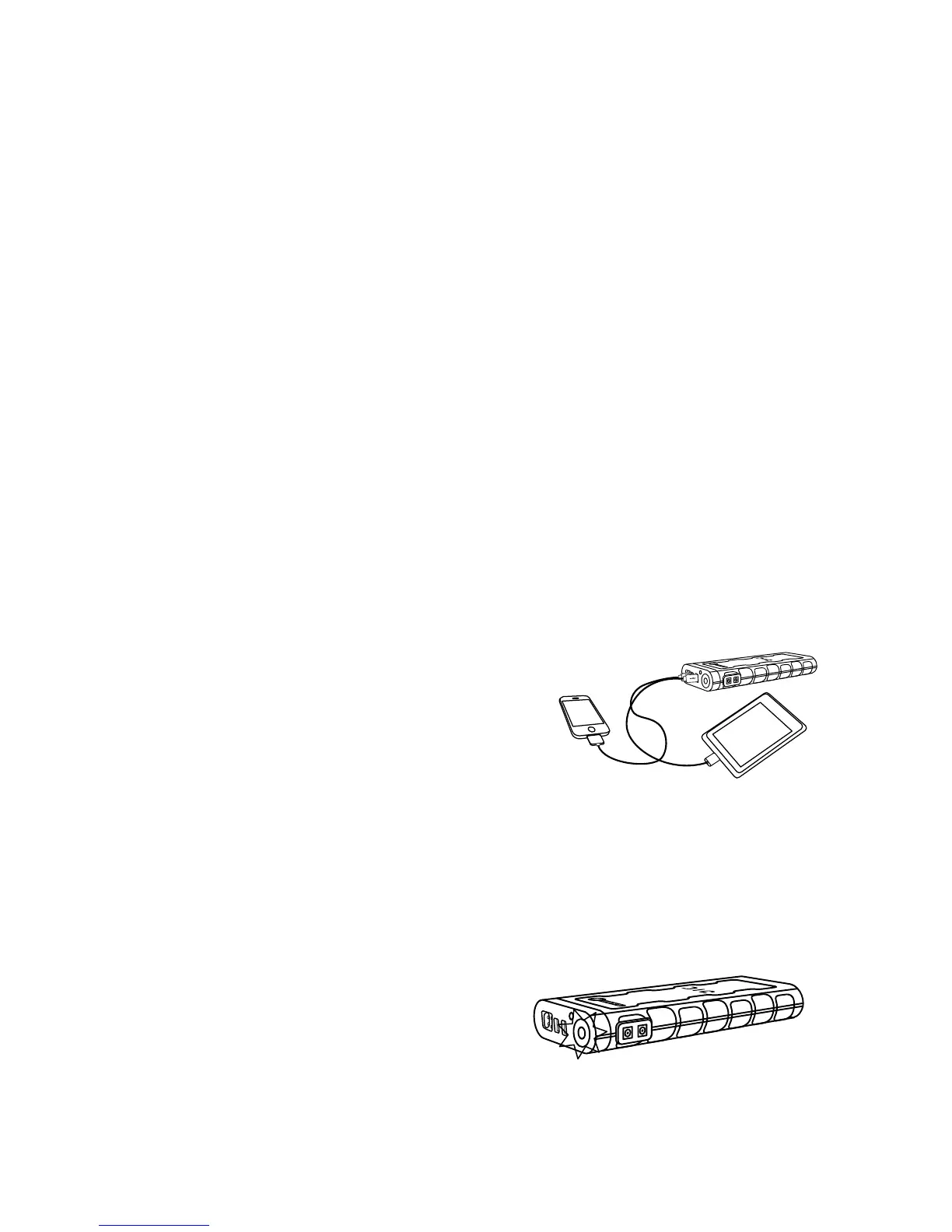
FLASHLIGHT
“JIC” started is completed with LED- flashlight having several models of operation.
• To switch on a flashlight one should press and hold power button within 3 seconds. Following
LED-flashlight operation models are provided:
1st pressing: normal mode
2nd pressing: stroboscope mode
3rd pressing: SOS mode
4th pressing: switched off


 To Next Page
 Loading...