EasyManua.ls Logo

JIC JIC-18 - User Manual

JIC JIC-18
14 pages
Print Icon
To Next Page IconTo Next Page
Loading...
USER’S MANUAL
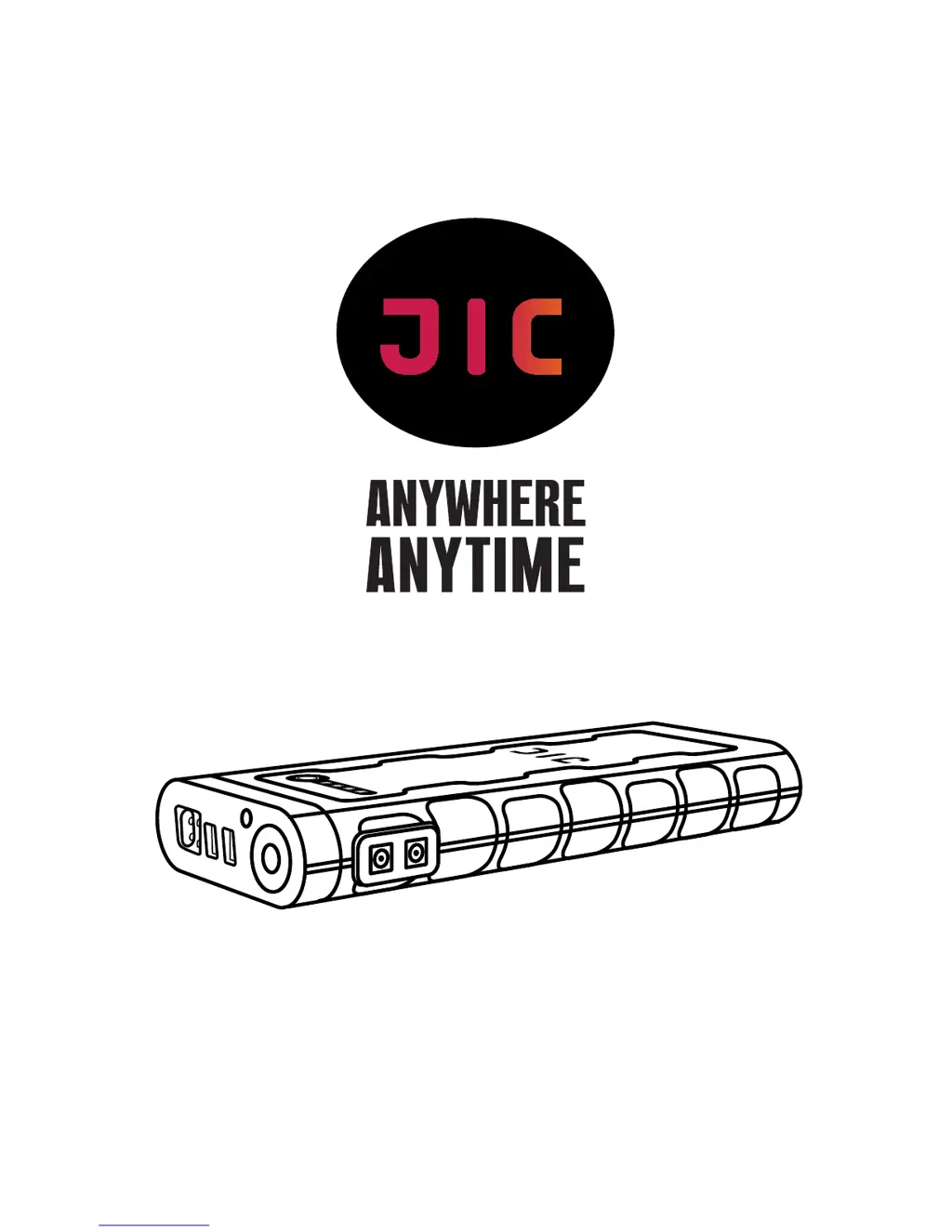
Multi-purpose starter charger
Model JIC-18 18000 mAh
Всевозможные сочетания слоганов и знаков

Questions and Answers

  • A
    Ann WilliamsJul 27, 2025
    What to do if my car won't start after using the JIC Controller?
    • M
      Matthew WrightJul 27, 2025
      If your car doesn't start after using the JIC Controller, here are some things to check: * Wait 60 seconds and try again. * Ensure clamps have good contact with terminals. * Make sure the car's transmission control lever is in the 'PARKING' position. * Charge the JIC Controller using the charging unit or car adapter. * Clean any coating on the accumulator terminals. Also, note the indicator lights: If red, the clamps are connected incorrectly. If green, the accumulator is serviceable. If green flashes, the accumulator is discharged. If no lights, there's a connection issue or low accumulator. Press the 'BOOST' button as indicated. If problems persist, consult your car's user manual or visit a car service center.
  • B
    Brian KramerAug 12, 2025
    What to do if my JIC Controller device is not activated?
    • D
      deckersierraAug 12, 2025
      If the JIC Controller device isn't activating, try the following: * Charge the device until the charge indicators stop flashing. * If it fails to activate after attempting to start the engine, connect it to the charging device for a few seconds to 'recharge' it. * Connect the JIC device to the mains-operated charging device included in the package. * If you're on the road, use the car adapter via the electric cigar lighter to reset it.

Summary

JIC-18 Unit Overview

Quick Start Guide: Car Starting

Vehicle Preparation Steps

Essential steps and safety checks before using the starter to jump-start a car.

External Starter Operation Procedure

Clamp Connection and Indicator Check

Correctly connecting clamps to the battery terminals and interpreting indicator signals.

Step-by-Step Engine Starting

Detailed instructions for activating the JIC device and starting the vehicle engine.

JIC-18 Charging Instructions

Charging Other Electronic Devices

Laptop Charging Functionality

Critical Safety Precautions

General Safety Warnings and Guidelines

Essential warnings for safe product use, covering voltage, environment, and handling.

Specific Safety Handling Procedures

Precautions to prevent damage, avoid hazards, and ensure proper disposal of the device.

Troubleshooting Guide

Resolving Car Start Failures

Step-by-step solutions for when the car fails to start with the JIC device.

Technical Specifications of JIC-18

JIC Product Warranty Policy

After-Sales Service and Warranty Exclusions

JIC JIC-18 Specifications

General IconGeneral
BrandJIC
ModelJIC-18
CategoryController
LanguageEnglish