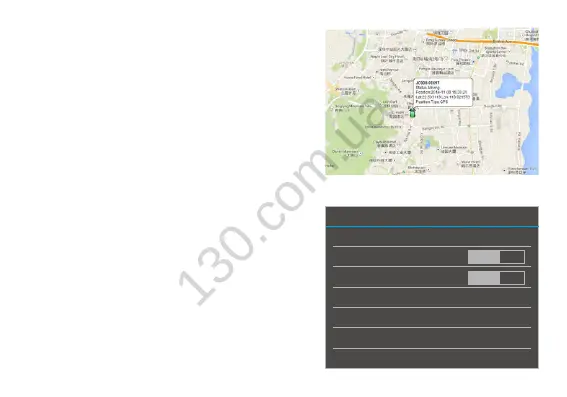
GPS tracking
1. insert SIM card, when data connection is
successful, the device will start to send GPS
data to platform
2.defaulttrackingfunctionison.Firstxafterturn
on will take around 2-5 minutes.
3. Please place the device in open air for accurate
positioning.
4. Tracking platform is www.jimitrack.com; detail
usage of the platform and APP please refer to
the instructions for Jimitrack.
System setting: You can set brightness, sound,
language, WIFI switch, navigation, etc.
Settings
SIM card control
WLAN
Bluetooth
Data usage
More settings
Storage
Application
OFF
OFF



 To Next Page