20
Jinbei App/Bluethooth®*
Download the „Jinbei“ app directly from the App Store or the „Jinbei
Studio“ app from the Google Play Store (iOS 9.0 or higher, Android 5.0
or higher).
Connection with the smartphone
1. Activate Bluetooth®* on your smartphone.
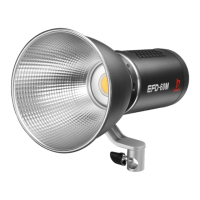
2. Switch on the Jinbei EFD-60M / EFD-60Bi Bi-Color and activate
Bluethooth®* via the power knob.
3. Open the „Jinbei (Studio)“ app, the connection with the
smartphone will be established automatically.
Note: If you want to connect the LED light with the app on another
smartphone, reset the Bluetooth®* signal by pressing the light ef-
fect setting knob for about 3 seconds until the Bluetooth®* symbol
ashes three times. The reset is now complete.
Note:
• The connection is established using „Bluethooth®* Low Energy“
(BLE). This requires a location release of the app.
The connection to the LED light is established directly in the app.
Download on the


 To Next Page