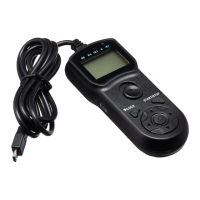
8. Selectioncursor
9. Timerdisplay
10.LOCKindicator
11.Timeractiveindicator
12.Speakerstatus
13.SETindicator
14.RELEASEindicator
15.Numberofshots
16.Delay/Selftimer
17.BULB/Longexposure
18.Intervaltimer
19.Numberofshots
20.Speaker
InstallingBatteries
1. Slidethebatterycoveropeninthedirectionofthearrow.ThenInstalltwoAAA
batteriesintothebatterychamberasshowninthepicturebelow.Donotinstall
batteriesinthereversedirectionasthiscouldcausethebatteriestoleakcorrosive
liquids,generateheatorexplode.
2.Slidethebatterycoverbackasshownbelowtocoverthebatteries.



 To Next Page