Remote Control
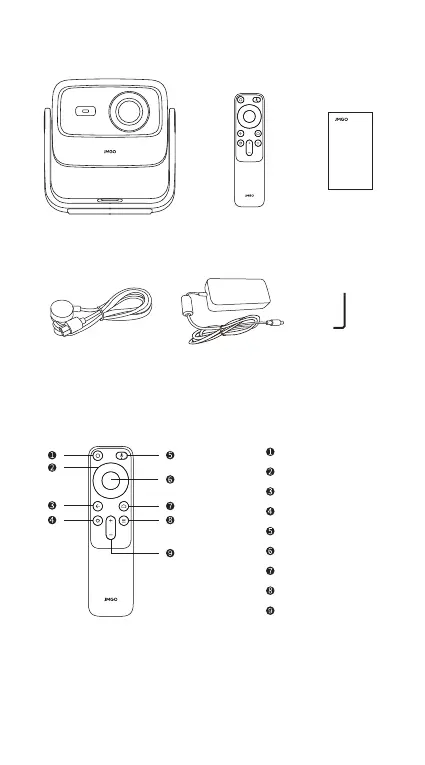
Scope of Delivery
• After the projector is turned on, press and hold the settings
button and the menu button on the remote control for 3 seconds
at the same time to enter Bluetooth pairing.
This remote has been evaluated to meet general RF exposure
requirement.
This remote can be used in portable exposure condition without
restriction.
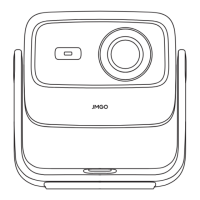
Projector Body Remote
Control
Power Cable Power Adapter
Quick Start
Guide
Allen Wrench
Menu
Volume
Google Assistant
Power On/Off
Direction Keys
Return
Confirm
Settings
Home
2
Quick Start
Guide


 To Next Page