• JMGO App is a mobile application for multi-screen interaction
with JMGO projector. Using JMGO App can help you obtain better
projection experience.
• Mobile phone for remote control—the mobile phone is also a
remote control with JMGO App, and the projection remote
control is more convenient.
Download and Install of
"JMGO App"
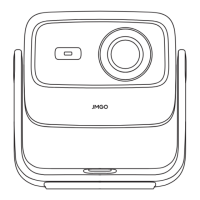
Product Manual
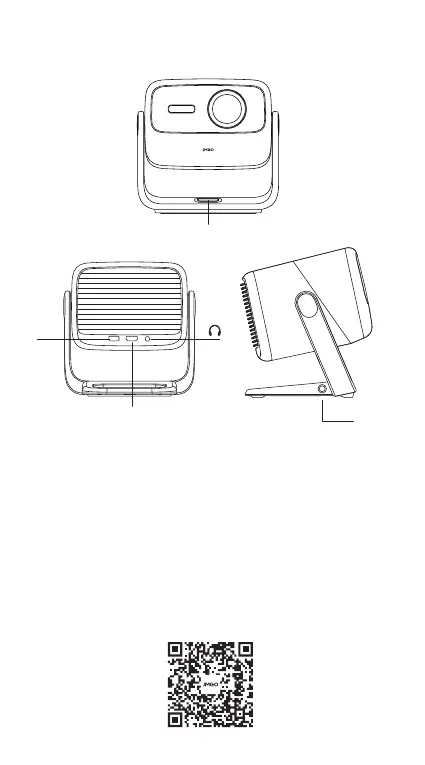
Power Port
Power Button
Power on/off: The power button is a physical button, short press to
power on or off.
3
USB
HDMI(eARC)


 To Next Page