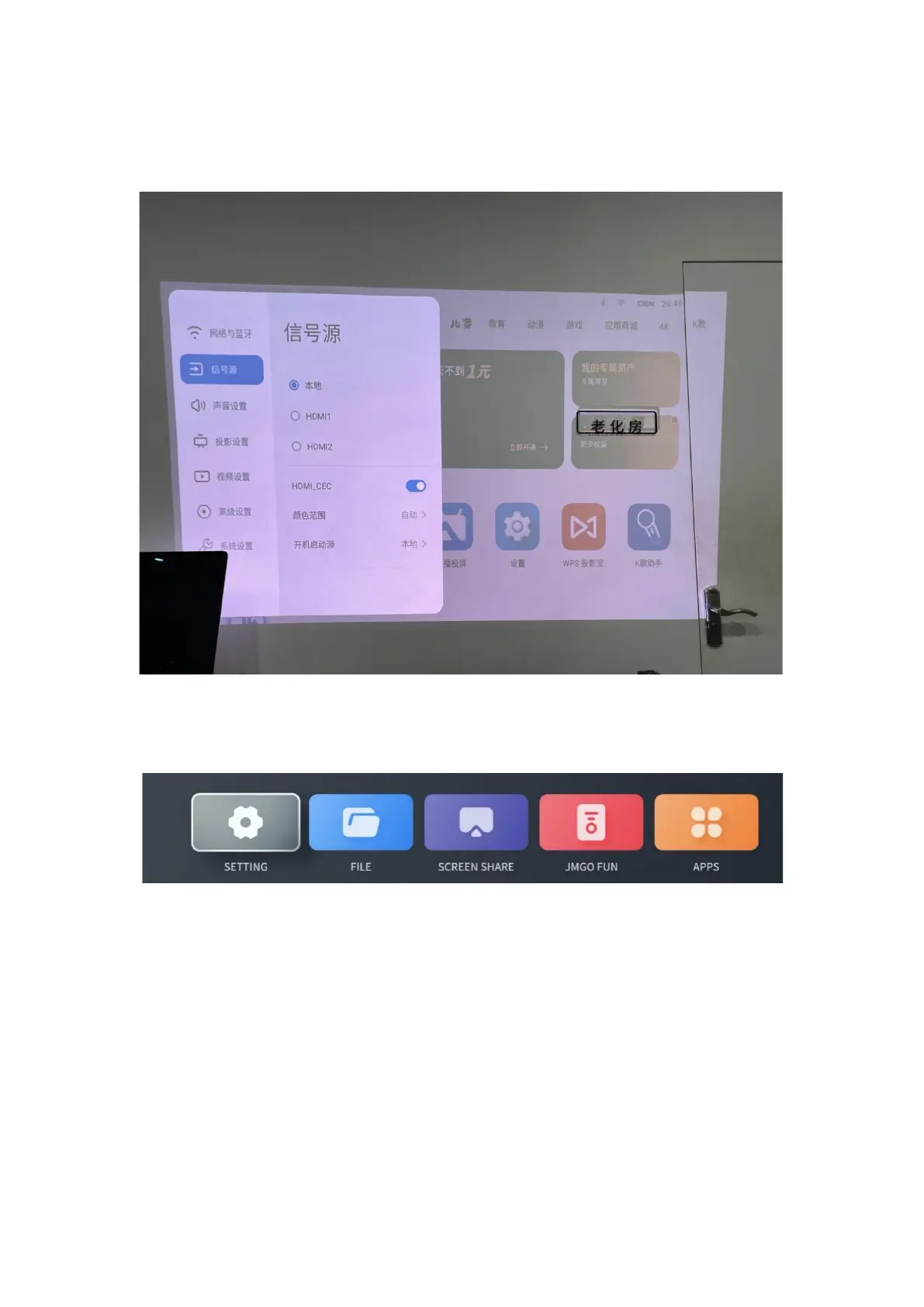
Once a source is connected, select the corresponding button on the homepage to enter the
external source. You can also select a source from Settings > Source, or by pressing the Source
button on the remote control.
2. Settings
You can enter the settings panel by selecting the Settings button from the bottom of the
homepage, or by pressing the Settings button on the remote control.
1) System Update
You can check or update the system version from Settings > System > Update Version.
This product supports both online and local updates.


 To Next Page