EasyManua.ls Logo

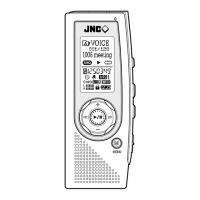
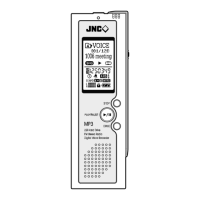
JNC SSF-1100 User Manual

JNC SSF-1100
50 pages
To Next Page IconTo Next Page
Page #1 background imageLoading...
Page #1 background image
JNC SSF-1100/2200/3300 user manual
http://www.manuallib.com/file/2493888
From ManualLib.com
ManualLib.com collects and classifies the global product
instrunction manuals to help users access anytime and
anywhere, helping users make better use of products.
Home: http://www.manuallib.com/ Chinese: http://www.shuomingshuku.com/
This Manual: http://www.manuallib.com/file/2493888
Question and Answer IconNeed help?

Do you have a question about the JNC SSF-1100 and is the answer not in the manual?

JNC SSF-1100 Specifications

General IconGeneral
BrandJNC
ModelSSF-1100
CategoryVoice Recorder
LanguageEnglish

Summary

Safety Precautions

Warning

Critical safety information and disclaimers regarding device usage and potential hazards.

Using Earphones

Guidelines for safe and proper earphone usage to prevent hearing damage and ensure road safety.

Functions and Features

Basic Function

Turn On/Off

Procedures for powering the device on and off.

Changing Mode

Switching between different operational modes like Voice, Music, FM.

FM Radio

Mode Menu

Main Menu

Time Settings

Configuration of date, time, timer recording, and alarm playback.

Sound Settings

Adjustments for audio output, equalizer, and 3D sound effects.

Display Settings

Customization of screen appearance, including font and contrast.

System Settings

Device-wide configurations such as language, repeat modes, and sync.

Record in Recording Mode

Recording Methods

Various techniques for capturing audio using internal/external mics or line-in.

Main Recording Features

Key functionalities during recording, like monitoring and time checks.

Connecting External Device

Recording from External Devices

Connecting to audio sources like stereos for recording.

Recording from Phones

Connecting to telephones or mobile phones for recording.

Installation Of Windows 98SE Driver

Managing Folders and Files

Deleting Files

Downloading Files

Formatting Files

Firmware Upgrade

Related product manuals