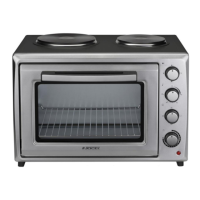
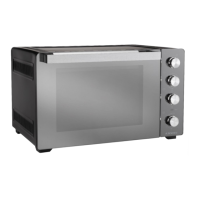
Start Using Your Oven
Preparing your oven
1. Please remove all stickers, leaflets and boxes from the door and from the floor of the oven before operation.
2. Please wipe out the oven interior prior to operation with warm soapy water and polish dry with a soft clean
cloth.
Do not close the oven door until the oven is completely dry.
Turn ON the power to the Appliance
1. Turn the Timer Control Knob ( C ) to the Over Ride Icon ( Manual Mode )
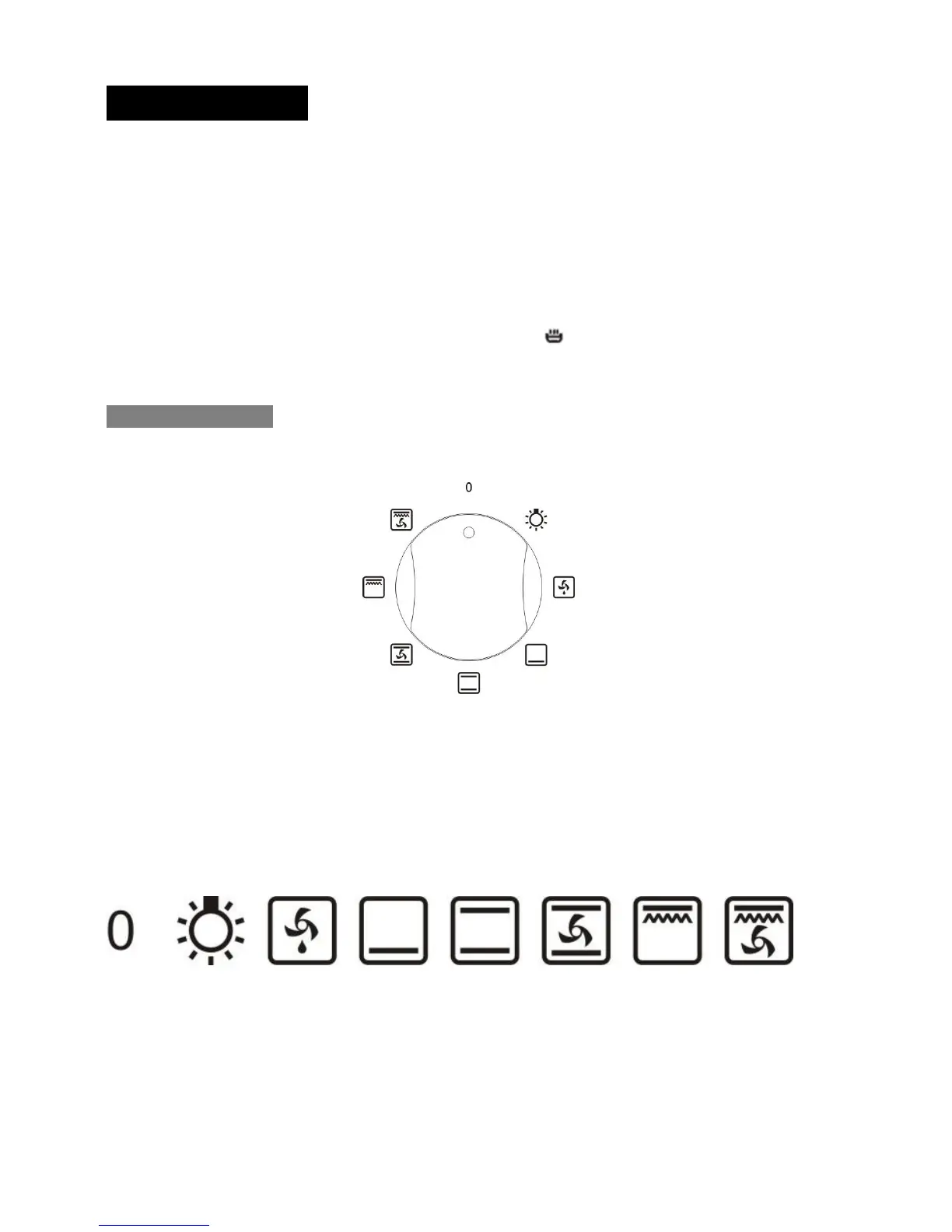
Select the functions
To select the desired function, turn the “Function Selection Knob” (E) in any direction to select the desired
function.
7 functions


 To Next Page