EasyManua.ls Logo

Jofemar BT-11 - User Manual

Jofemar BT-11
20 pages
Print Icon
To Next Page IconTo Next Page
Loading...
MNP85ENV00 Rev.02 (2014-01-07) Page 1 of 20
English
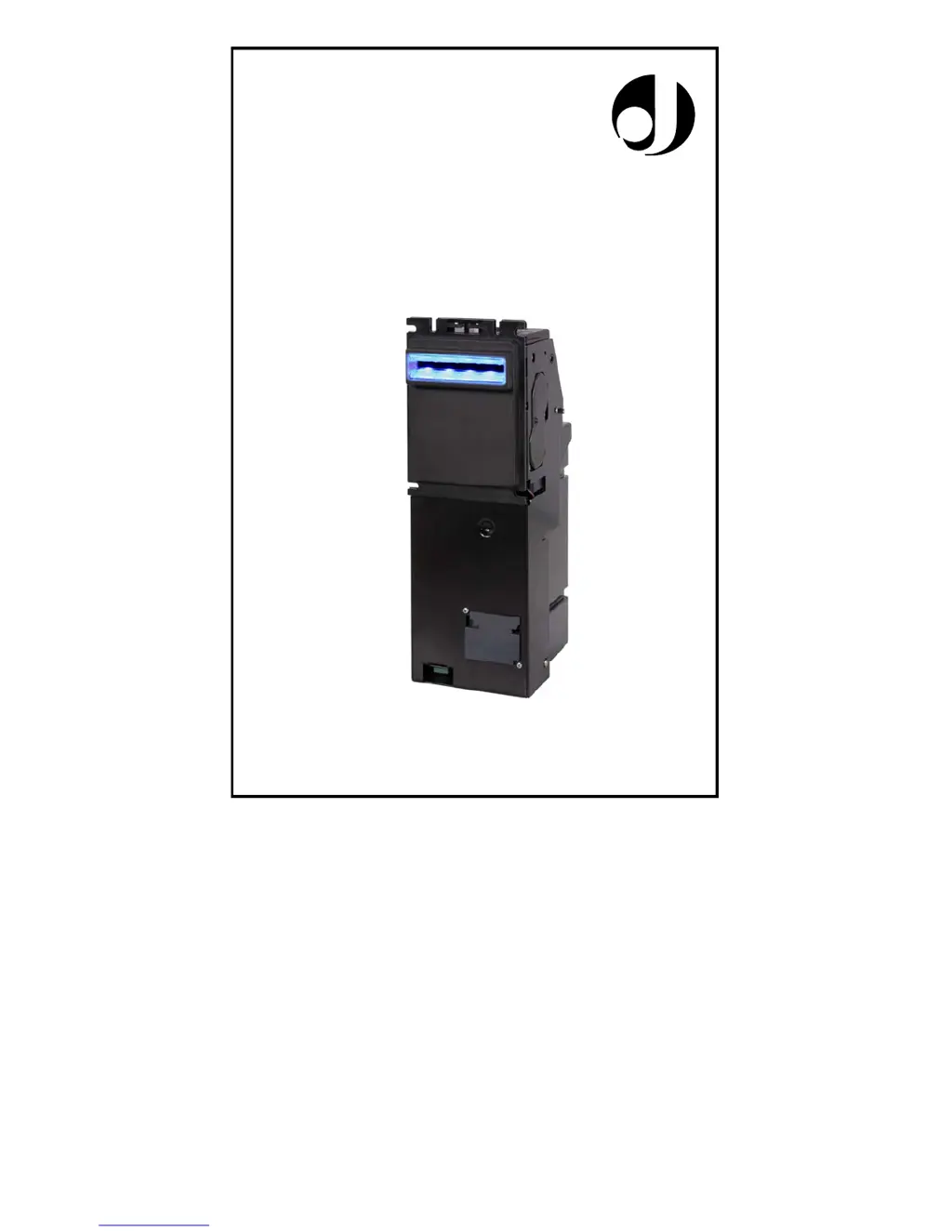
BANKNOTE READER BT-11
User’s Manual
Jofemar

Questions and Answers

  • A
    Andrew MitchellAug 3, 2025
    What to do if Jofemar Spreader banknotes are not fully accepted and rejected?
    • A
      Ashley CookAug 3, 2025
      If banknotes are not fully accepted and are rejected with a final strike of the stacker, the stacker might be full, or a banknote might be badly kept. To resolve this, move away the stacker and check if it is full, if there is a banknote badly kept, or if a banknote is jamming the entrance of the stacker.
  • B
    Bradley McdonaldAug 8, 2025
    Why is the Jofemar Spreader rejecting a banknote and the red LED blinks twice?
    • E
      Erin WallaceAug 9, 2025
      If a specific banknote is rejected and the red LED blinks twice, it could be because the banknote is inhibited by the machine. Ensure that the maximum return value set in the machine is sufficient to accept the banknote and that there is enough change in the tubes.
  • P
    Paul DavisAug 15, 2025
    What to do if Jofemar Spreader shows a red LED continuously and doesn't accept any note?
    • J
      jennifer24Aug 15, 2025
      If the red LED is continuously on and the machine doesn't accept any note, the machine might not support the banknote reader. To fix this, update the software on the machine.
  • B
    Brandon HoustonAug 21, 2025
    Why is the Jofemar Spreader rejecting a banknote and the red LED blinks three times?
    • S
      Shane MorrisAug 21, 2025
      If a specific banknote is rejected and the red LED blinks three times, it's possible that the banknote is inhibited by the banknote reader. Uninhibit the banknote.
  • S
    Steven CoffeyAug 27, 2025
    What to do if Jofemar Spreader banknotes are not accepted and status LEDs are off?
    • S
      Samantha MartinAug 27, 2025
      If banknotes are not being accepted and the status LEDs are off, it could be that the BT11 has no power supply, or the power supply is incorrect. Check that the power supply voltage is within limits.

Summary

Understanding the Banknote Reader

Banknote Reader Components

Describes the internal components and external features of the banknote reader.

Mechanical Features

Details physical attributes like access, security, stacker, transportation, jam sensor, and mounting options.

Physical Dimensions

Provides specific width, depth, and height measurements for different stacker models in mm and inches.

Banknote Reader Status LEDs

LED Indicators and Error Codes

Explains the meaning of LED patterns, including number of blinks for various operational statuses and error conditions.

DIP Switch Configurations

Normal Operation and LED Settings

Configures the reader for standard MDB communication and selects front LED lighting combinations.

Handling Banknote Jams

Defines how the reader responds to banknote jams, with options for stackable or non-stackable errors.

Banknote Group Acceptance

Explains how to inhibit or enable acceptance of entire groups of banknotes using dip switches.

Communication Bit Time Adjustments

Describes the use of dip switch 6 for adjusting communication bit times, often with technical support.

Testing and PC Programming

Details the dip switch configuration required to enter programming mode and communicate with a PC.

Banknote Inhibition & Software Info

Covers how to inhibit/uninhibit individual banknotes and how LEDs display software and pattern versions.

Sensor Calibration

Explains the dip switch settings needed to initiate the sensor calibration process.

LED Control Without MDB

Allows controlling front LED lighting for demonstration purposes without MDB communication.

Secure Escrow Mode

Describes the secure escrow mode for enhanced validation and secure refunding of notes.

Technical Information

Machine Programming Options

Discusses MDB protocol implementation and required machine programming options like maximum return and inhibited banknotes.

MDB Communication Connections

Details the connections for the BT11 banknote reader to the machine via a MOLEX connector.

Maintenance Procedures

Sensor Calibration Methods

Provides detailed steps for calibrating sensors using dip switches, PC software, or stacker removal.

Banknote Inhibition Programming

Refers back to dip switch settings for programming banknote inhibition.

Updating Reader Program

Explains how to update the reader's firmware using flash memory and an EasyNote.

Updating Validation Patterns

Describes how to update banknote validation patterns via an EasyNote with the latest pattern files.

Cleaning the Banknote Reader

Provides instructions and warnings for cleaning the banknote reader's mechanisms and head.

Removing Banknotes from Stacker

Details the procedure for removing banknotes from the stacker and securing it.

Troubleshooting Common Issues

Appendix and Figures

User Notes

Jofemar BT-11 Specifications

General IconGeneral
BrandJofemar
ModelBT-11
CategorySpreader
LanguageEnglish