Need help?
Do you have a question about the Jolida JD 102CRC and is the answer not in the manual?
Covers reading manual, retaining it, heeding warnings, and following instructions.
Addresses power sources, grounding, cords, fuses, tubes, overloading, and lightning.
Details safe installation, environmental considerations, and proper placement.
Outlines cleaning procedures and when to seek qualified service personnel.
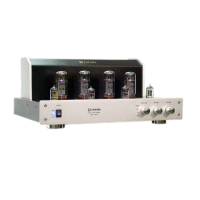
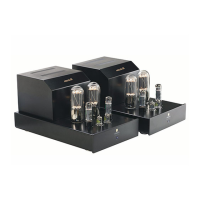
Overview of the JD 102CRC amplifier, its design, and components.
Details the meticulous construction and testing process for the amplifier.
Provides guidance on safely handling fragile vacuum tubes.
Guidance on proper packaging and unpacking of the amplifier.
Steps to prepare the amplifier for its first use.
Instructions for operating and adjusting the amplifier.
Identifies and explains the front panel controls of the amplifier.
Details how to connect audio sources, speakers, and power.
Explains the functions of the buttons on the included remote control.
Schematic and list of vacuum tube placement and types on the top panel.
Explains the biasing process, frequency, and necessary tools for adjustment.
Identifies bias adjustment locations and testing ports on the top panel.
Step-by-step instructions for adjusting the amplifier's bias settings.


 To Next Page
 General