Need help?
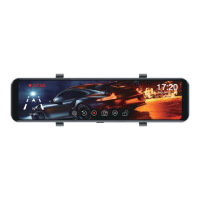
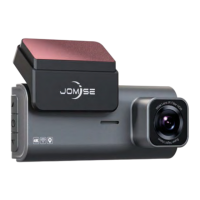
Do you have a question about the JOMISE T863 and is the answer not in the manual?
Connect all cameras and wires before powering on; improper installation voids warranty.
Insert the Micro SD card with gold contacts facing the back of the dash camera until it clicks.
Step 1: Attach straps to retaining hooks on top of the rear-view mirror. Step 2: Extend straps around the back and attach to bottom hooks.
Uncover 3M tape and lens film. Attach front and in-car cameras to a suitable position on the front windshield.
Use double-sided tape or screws to fix rear camera. Adjust angle for perfect viewing. Choose type 1 bracket for inside or type 2 for outside installation.
Configure loop recording duration (1, 2, or 3 min) and turn sound recording on/off.
 General
| Screen Size | 3 inch |
|---|---|
| Video Resolution | 1920x1080P |
| Viewing Angle | 170° |
| Loop Recording | Yes |
| G-Sensor | Support |
| Parking Monitoring | Yes |
| Night Vision | Yes |

 To Next Page