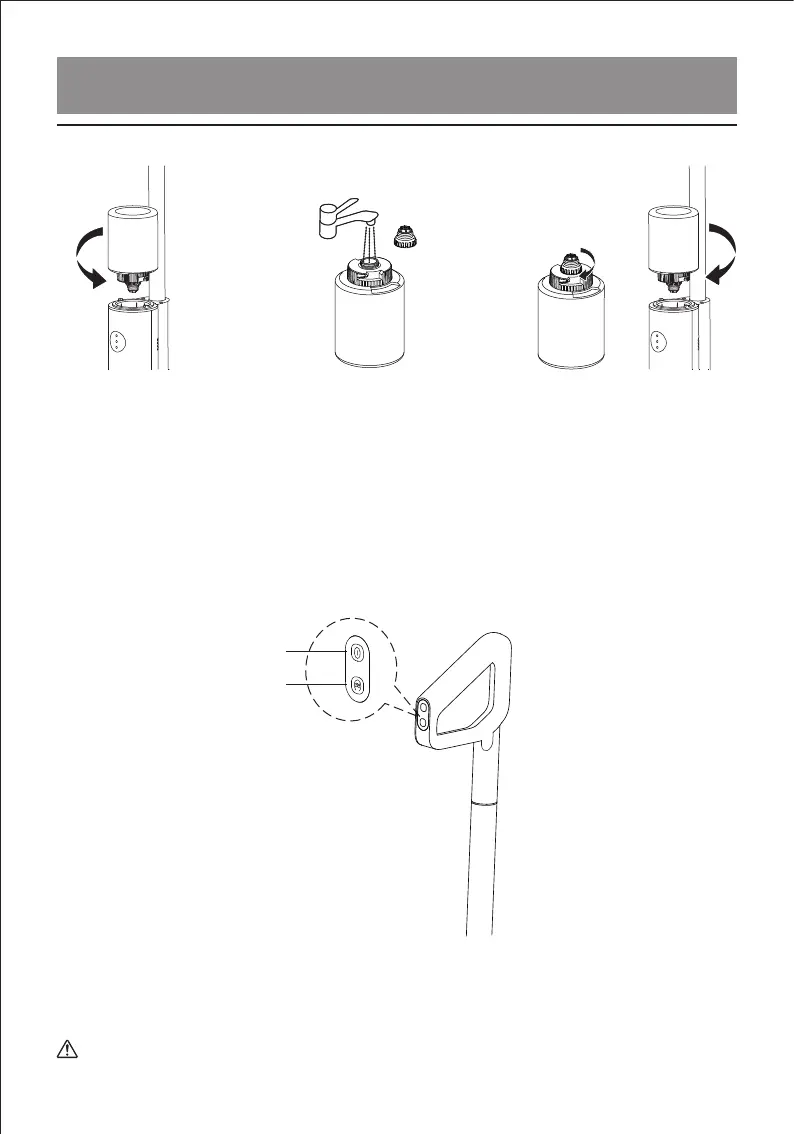
2) Fill water in the clean water tank
Open the silicone
stopper and fill
with water
1) Startup: Press the Power button after the product is fully charged to start the machine,
and press this button again to shut down the machine;
2) Mode switching: The AUTO (auto) mode is activated by default after startup. Press the
Mode key to switch to the MAX (powerful) mode. The two modes alternate in turn;
3) Self-cleaning: When the machine is charging, press the self-cleaning button once to
activate the self-cleaning function, and press this button again to deactivate the
self-cleaning function;
Remove the
clean water tank
Install clean water
tank on the body
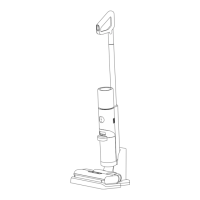
Product Summary
2. Start to work
Mode key/self-cleaning key
ON/OFF key
1) Self-cleaning of body pipes and roller brush: After use, please the machine into the
charging base timely for charging, and press the self-cleaning button to clean the
machine automatically.
3. Cleaning after use
Tips: Ensure enough water is kept in the clean water tank before self-cleaning.
9


 To Next Page