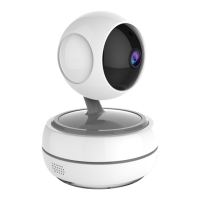
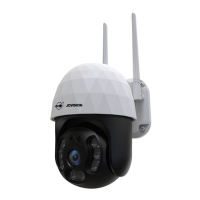
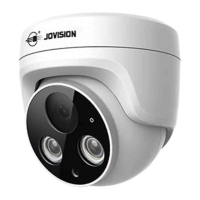
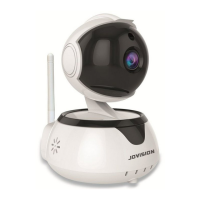
Jovision Home Security Wi-Fi Camera
1
EN 02~13 Contents
Open Source Software License ................................................................................................ 2
Security ........................................................................................................................................... 3
Prepare the camera...................................................................................................................... 4
Get CloudSEE Int 'l app .............................................................................................................. 5
Set up camera with the app ....................................................................................................... 5
Record Settings ............................................................................................................................ 9
Time Settings .............................................................................................................................. 10
Alarm setting ............................................................................................................................... 10
System setting ............................................................................................................................ 11
FAQ ................................................................................................................................................ 12
CloudSEE Int’l pp ............................................................................................................... 12
IP Camera ............................................................................................................................. 12
Equipment Disposal .................................................................................................................. 13
Important Note ............................................................................................................................ 13
DE 14~29 Inhalt
Open- Source- Softwarelizenz ................................................................................................ 14
Sicherheit ...................................................................................................................................... 15
CloudSEE Int’l App herunterladen und starten ................................................................... 16
Kamera vorbereiten .................................................................................................................. 17
Kamera mit der App einrichten ............................................................................................. 17
Vorbereitung und Aufnahme auf einer SD-Karte .............................................................. 22
Aufnahme Modus wählen ....................................................................................................... 24
Datum & Uhrzeit einstellen ....................................................................................................... 25
Alarm Einstellung ........................................................................................................................ 25
System Einstellung...................................................................................................................... 26
FAQ ................................................................................................................................................ 27
CloudSEE Int’l pp ................................................................................................................ 27
IP-Kamera ............................................................................................................................ 27
Entsorgung ................................................................................................................................... 28
Wichtige Hinweise...................................................................................................................... 29


 To Next Page
 Loading...