Ausgabe 18.01.2017 Copyright by Joy-IT 10
3
Arcade-GameStaon
3.2 Navigang the dierent menus
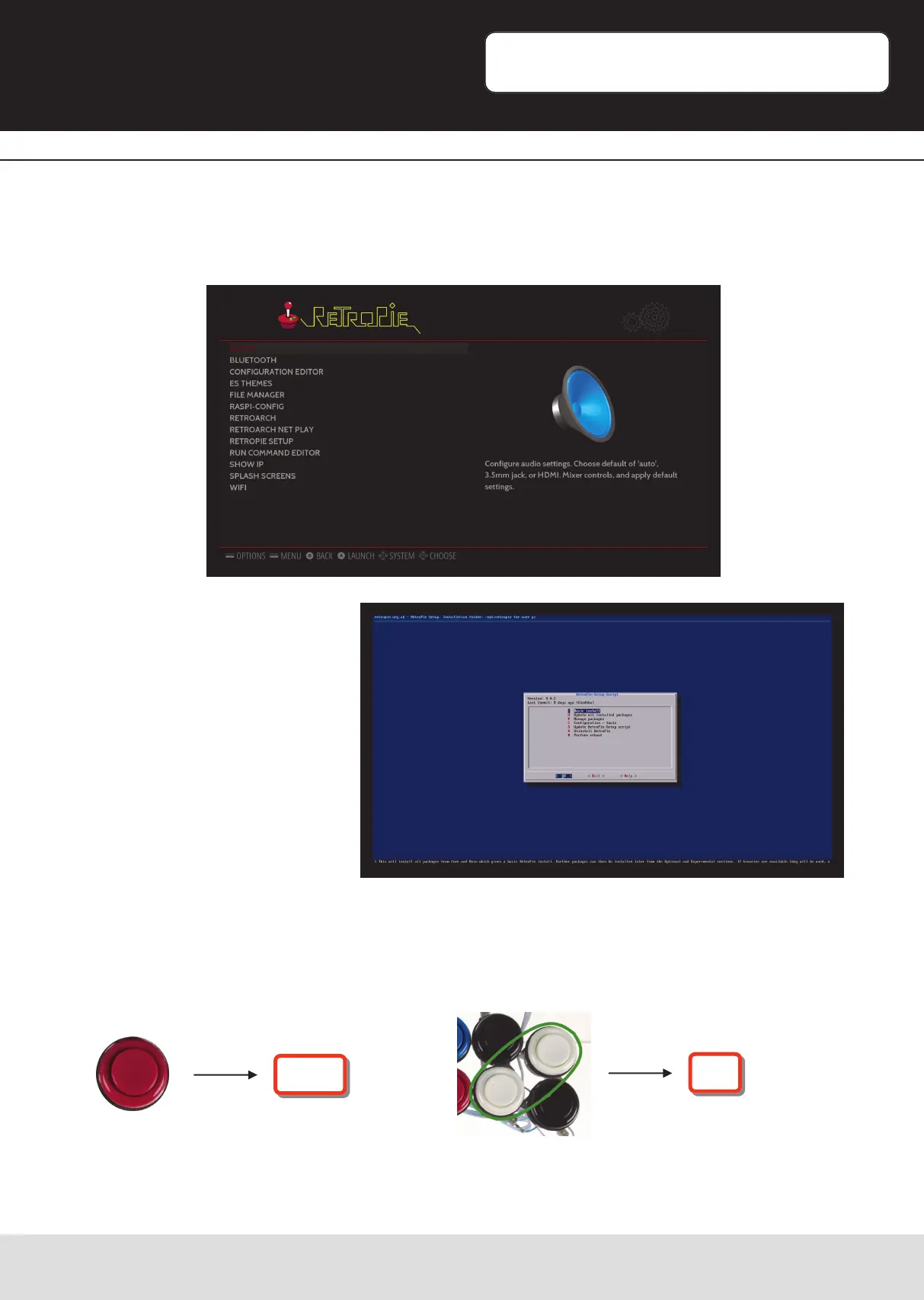
Open the list with „conrm“. Thats how you enter the RetroPies setup where you can
change the sengs of periphery, audio, bluetooth, emulator-conguraon and WiFi.
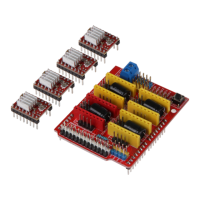
Some menu items and some
emulator-conguraons will
lead you to a „command line—
like“ interface.
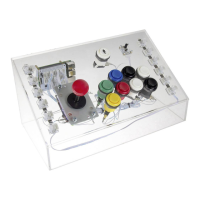
You can sll navigate with the joysck-control. The red buon acts as „Enter-Buon“
and the combinaon of both white buons acts as „Escape-Buon“
[Combinaon-> press both buons simultaneous].
Enter
ESC


 To Next Page