Ausgabe 18.01.2017 Copyright by Joy-IT 9
3
Arcade-GameStaon
3.2 Navigang the dierent menus
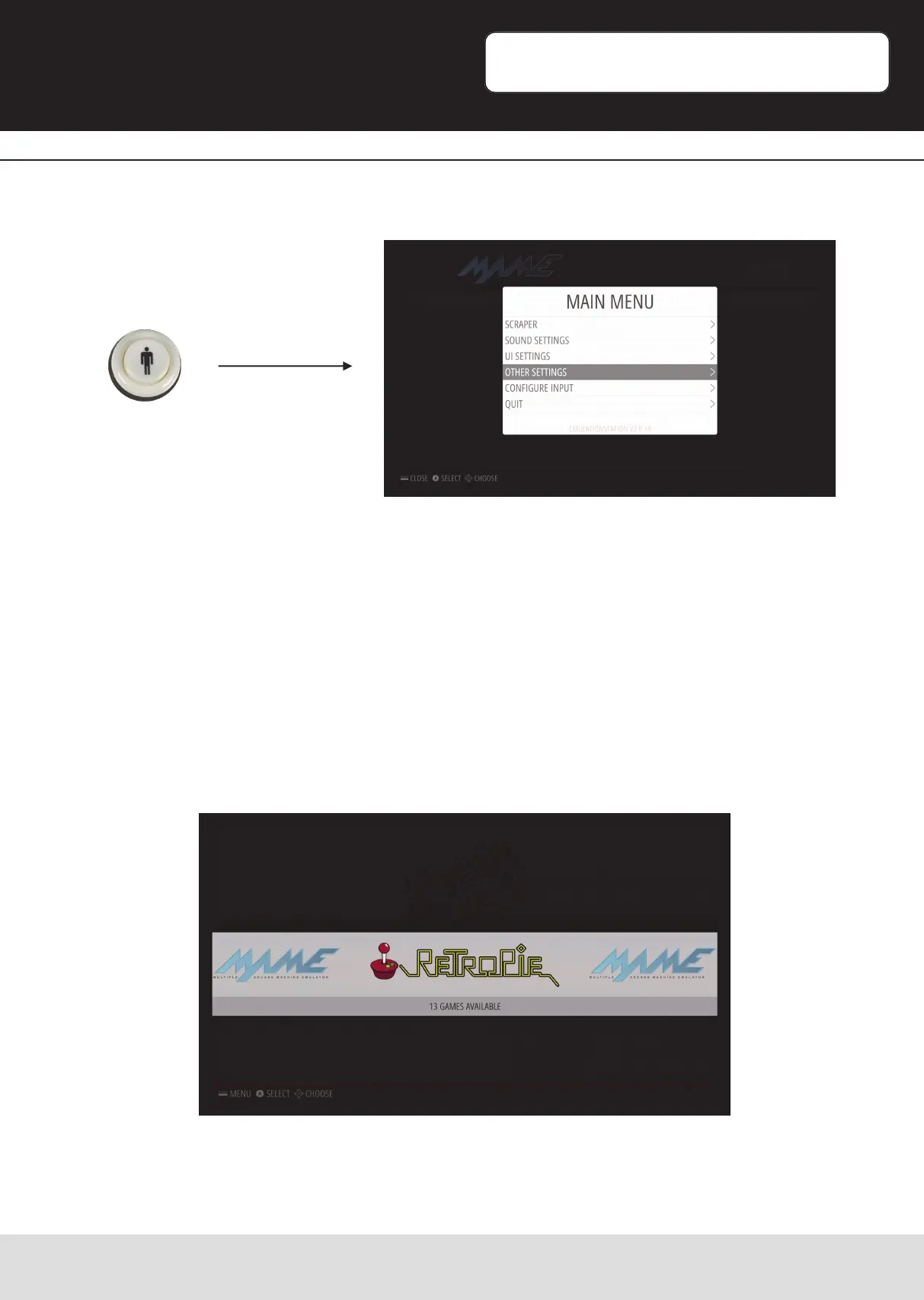
By pressing the „Start“-Buon, you can access the RetroPies conguraon menu.
Here you can control general sengs, display sengs and control sengs.
Depending on the transfered Roms (see: Copying ROM-Files / installing games), you can
choose the desired system by pressing „le“ or „right“ and conrm your choice with the
red buon to open the game-list.
You will also nd, besides the installed emulator-systems, „RetroPie“ in the main menu.


 To Next Page