Ausgabe 18.01.2017 Copyright by Joy-IT 13
3
Arcade-GameStaon
3.4 RGB-LED Light-control
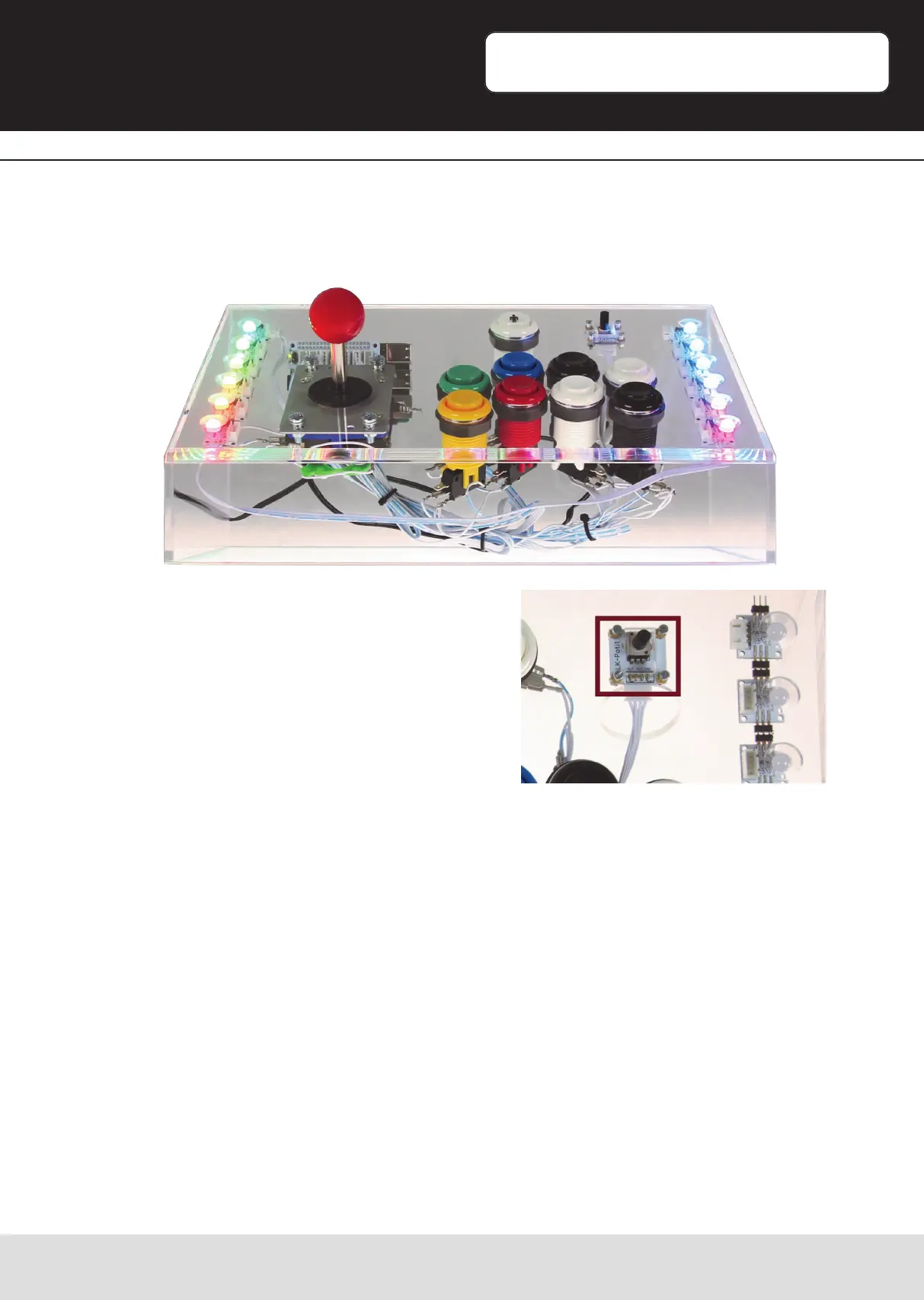
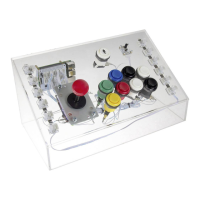
A stripe of 8mm RGB-LEDs is mounted around the case of the Arcade-Gamestaon.
This stripe, when acve, is congured to play a lightshow of mulple colors.
The currently acve lightshow is changeable by
adjusng the rotary-potenometer at the top-
right corner.
The lightshows are changing as follows:
Posion 1: RGB-LEDs o
Posion 2: All LEDs red
Posion 3: All LEDs green
Posion 4: All LEDs blue
Posion 5: Color-carousel
Posion 6: Color-thunder white
Posion 7: Color-thunder red
Posion 8: Color-thunder blue
Posion 9: Rainbow-change
Posion 10: Rainbow-carousel
Posion 11: Rainbow-color-thunder
You will nd an instrucon for seng up your own lightshow in the expert secon later
[Page 21].


 To Next Page