Ausgabe 18.01.2017 Copyright by Joy-IT 14
4.1 Copying ROM-Files / installing games
3
Arcade-GameStaon
3.5 Arcade-Gamestaon Boot/Shut down
The Arcade-Gamestaon will boot automacally when
the mUSB-power-supply is connected to the power
outlet.
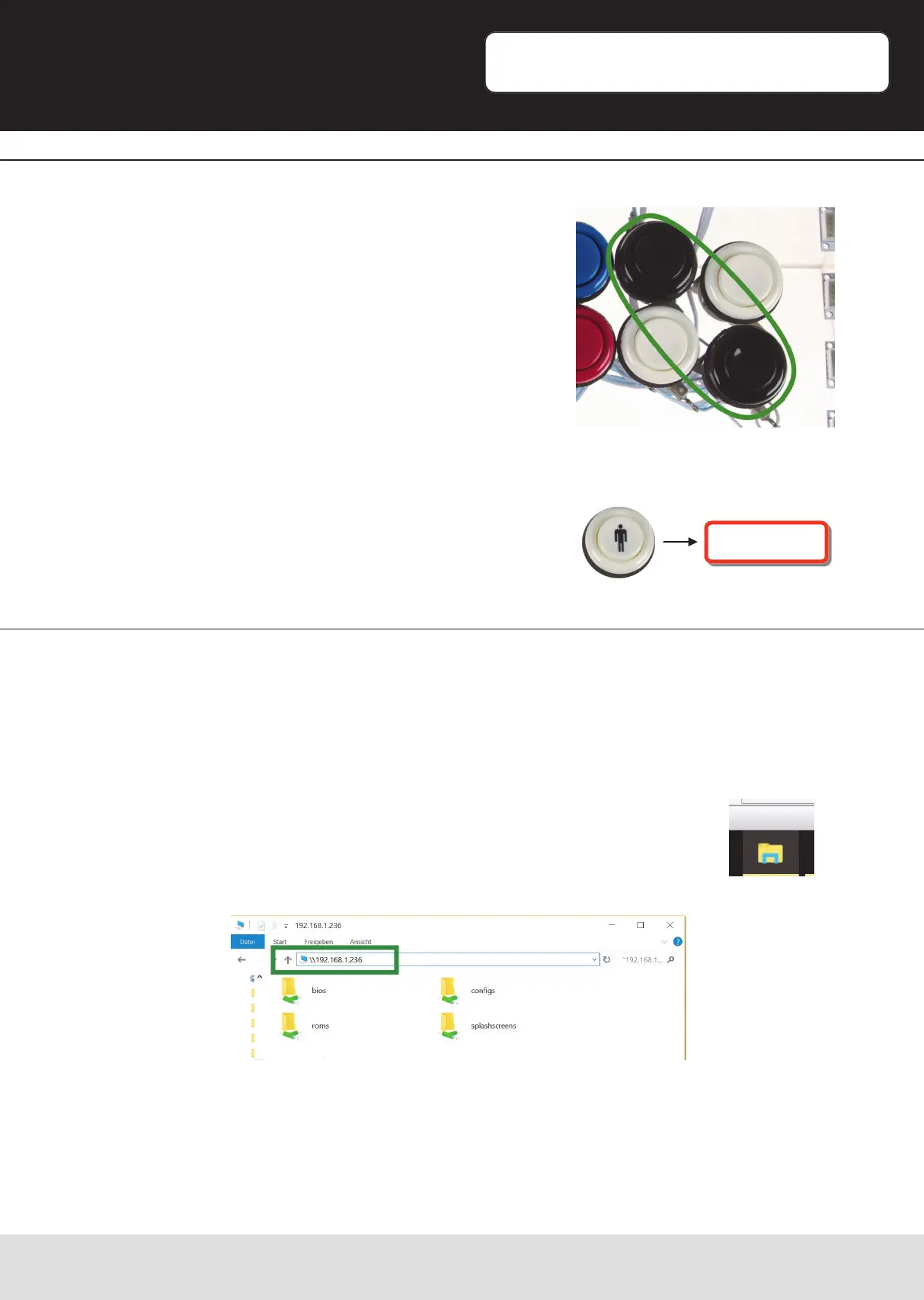
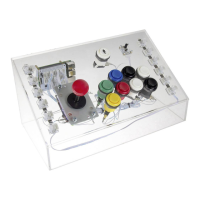
If you want to turn o the Gamestaon aer using, just
press the two black buons simultaneously.
The Gamestaon will shut down and the RGB-LED
lightshow will turn o.
When the Arcade-Gamestaon is connected to your network, you can start copying
your ROM-Files by entering the IP-Address in a Windows-Explorer window.
You can check the menoned IP-Address, as described under note 3.2, at „Show IP“ in
the RetroPie-Conguraonmenu.
Start an Explorer-Window on a Windows Computer* and enter the IP-
Address with the „\\“-tag in front if the Address.
In our case, we have to enter \\192.168.1.236“ and conrm with the
enter-buon.
*[For the procedure of dierent Computer- / Operangsystems, please consider the documentaon of the
specic system. The transfer is, in this case, made with a so-called Samba-Share.]
If you want to reacvate the Gamestaon, just press
the „Start“-Buon.
Aer a short loading me, the Gamestaon will boot up
again.
Boot


 To Next Page