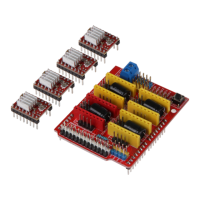
Ausgabe 18.01.2017 Copyright by Joy-IT 15
3
Arcade-GameStaon
4.1 Copying ROM-Files / installing games
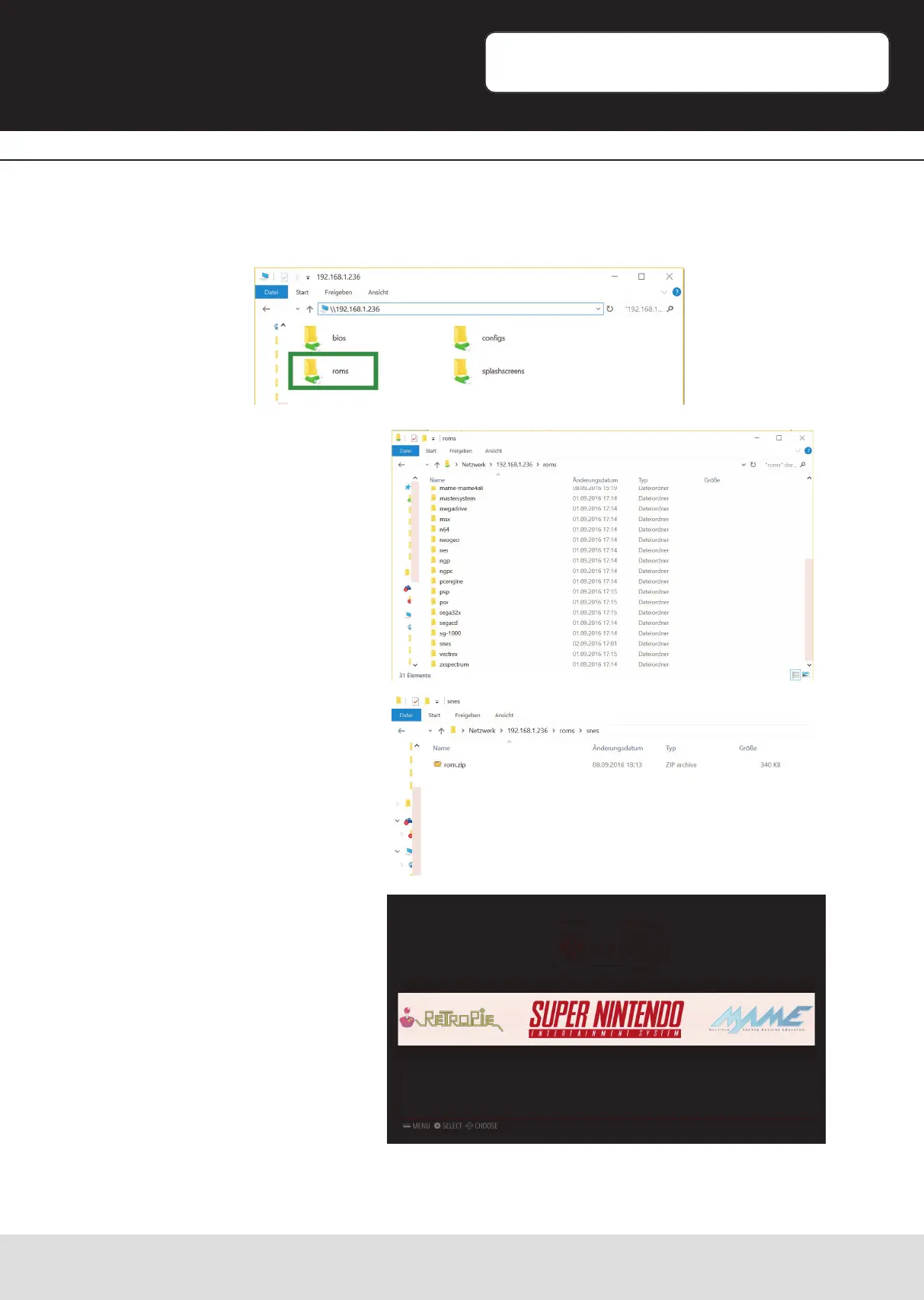
You should see four network-folders.
To copy games to the Gamestaon, open up the „roms“ folder.
In this folder you will nd more
folders which represent the
emulang-systems.
Therefore, for example, the folder
„snes“ is responsible for providing
ROM-Files for the emulaon of
Super Nintendo games for the SNES -
Emulator.
In most cases you have to copy the
ROM-Files as a zipped le (not
unzipped) into the folder.
Aer restarng the Gamestaon, a
new emulaion-system should be
available in the main menu which
contains the gamelist of the copied
ROM-Files.


 To Next Page