Ausgabe 18.01.2017 Copyright by Joy-IT 39
3
Arcade-GameStaon
6. Assembly instrucons
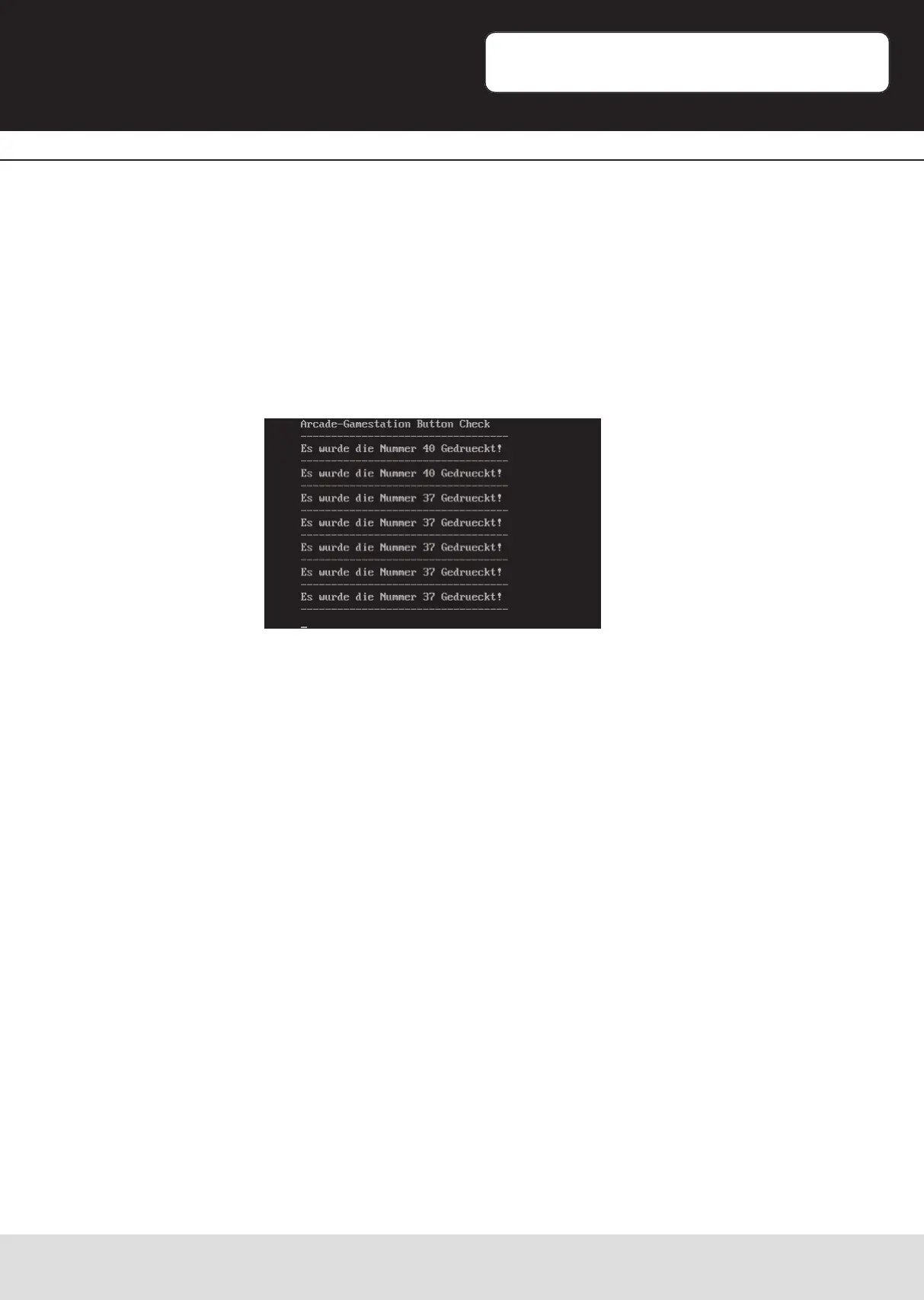
You are now entering the „buonchecker“ program. This allows you to read the current
pin assignment of the connected buons:
By pressing a buon, the assigned pinnumber is shown.
Write down the assignment (e.g. on the table of the next site) of each buon (e.g.
Yellow=38, Blue=10, Green=36…).
Please make sure that the upper white playerbuon has the pin-number 5.
If this is not the case, please check your wiring.
Aer reading the pin-numbers for each buon, exit the program with the combinaon
„CTRL+C“.


 To Next Page