Ausgabe 18.01.2017 Copyright by Joy-IT 38
3
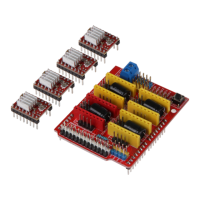
Arcade-GameStaon
6. Assembly instrucons
Step 10 | Calibrang the buons and update their signal assignment
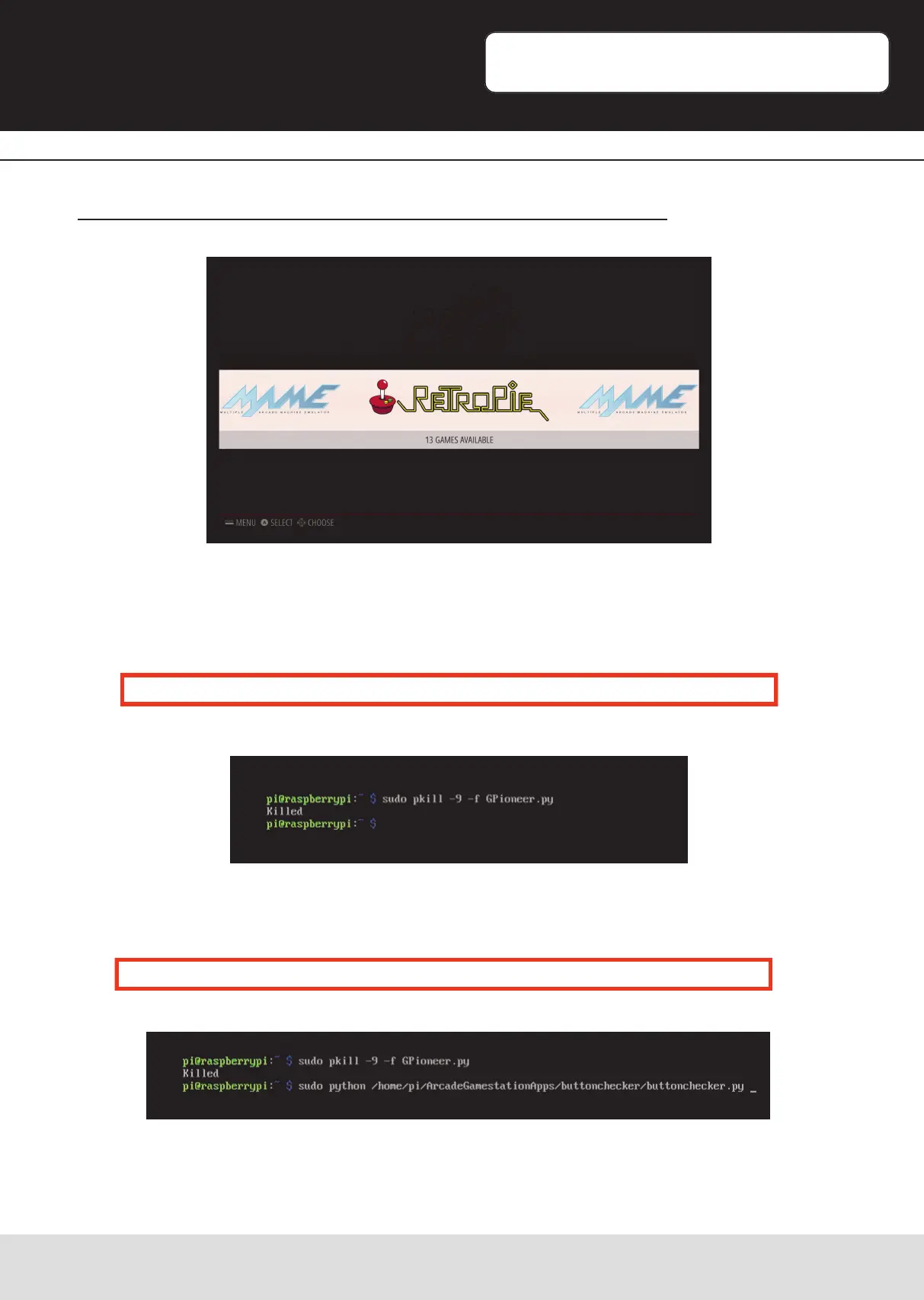
Let the Gamestaon boot unl it reaches the main menu.
Press the combinaon „CTRL+ALT+F4“ on your keyboard to enter the command line.
Enter the following command and conrm with „Enter“.
The output will conrm this with „Killed“.
Aerwars, enter the following command and conrm with „Enter“.
sudo pkill –9 –f GPioneer.py
sudo python /home/pi/ArcadeGamestaonApps/buonchecker/buonchecker.py


 To Next Page