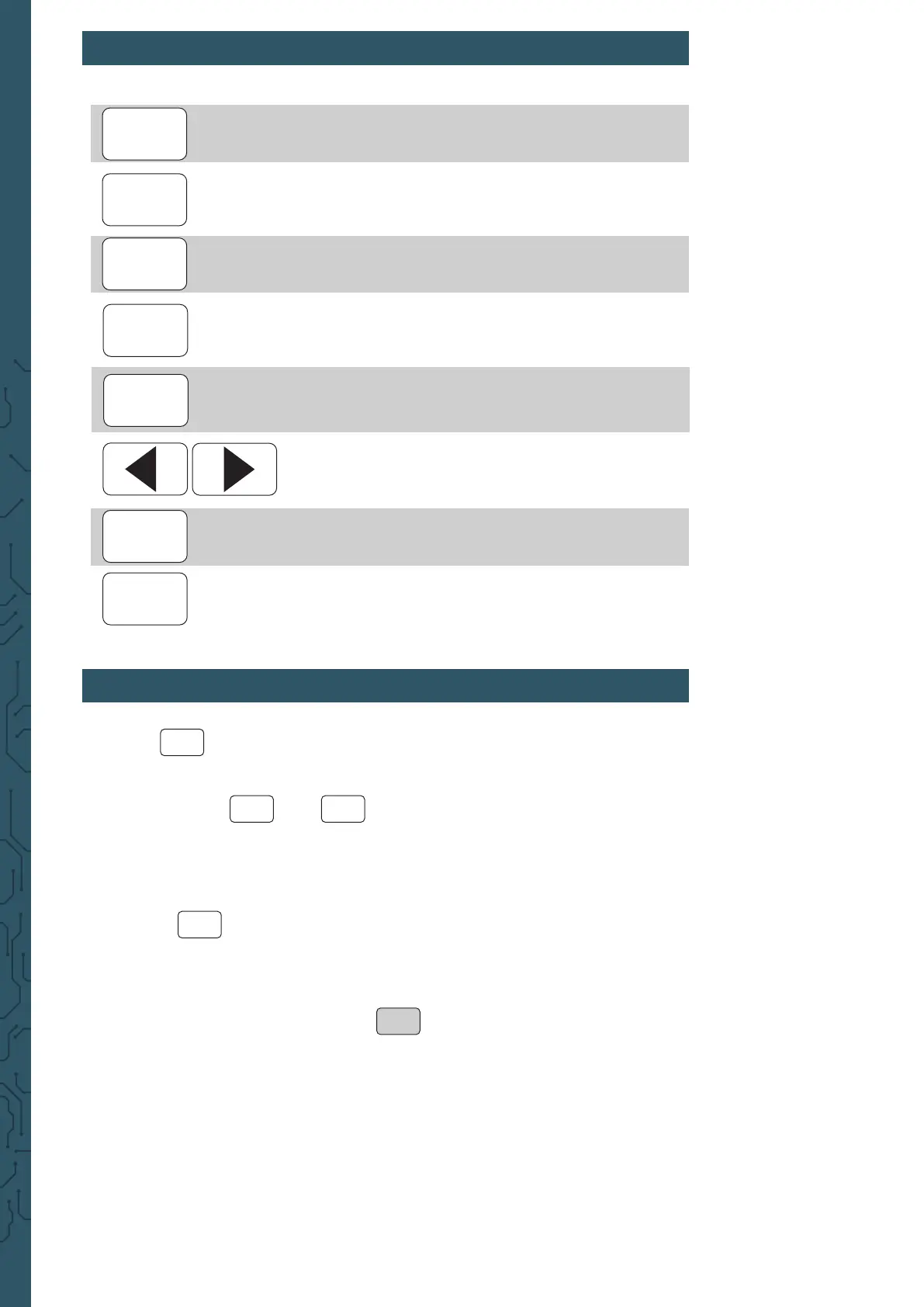
3. SHORTCUT-OVERVIEW
4. PARAMETER SETTINGS IN THE MAIN INTERFACE
Press to enable or disable simultaneously the output of both
channels.
Use the buttons and to switch between each channel.
By pressing it again while you are in one channel, you activate or
deactivate the according output. Hold down the accord-
ing channel button to place the channel in the main interface.
Press the button to activate the waveform. While the waveform is active,
the form can be changed quickly with the rotary button. The arrows keys can be
used to switch between the waveforms and the
presettings.
Use the multifunctional button 1 ( ) to highlight the frequency para-
meter. Then use the arrow keys to move the cursor to the value which should
be edited. Press the rotary button to edit the according value. Hold down the
multifunctional button to change the unit (μHz, mHz, Hz, KHz, MHz).
Conguration of wave form
Conguration of measuring mode
Activation of the modulation mode
System settings
Moving the position of the cursor
Control of the output from CH1 and CH2
- It is used in other menus as
control and conrmation (on / o)
Selection of channel 1
- Hold down to set channel 1 as the main channel
Selection of channel 2
- Hold down to set channel 2 as the main channel
SYS
WAVE
MEAS
MOD
OK
CH1
CH2
OK
CH1
CH2
WAVE
FREQ


 To Next Page