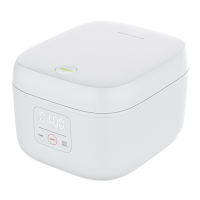
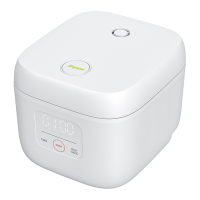
Warning: "REGULAR" and "QUICK" are applicable to rice ONLY. It may
cause burns and damage product performance to use them for cooking
other raw materials.
3. Set the menu
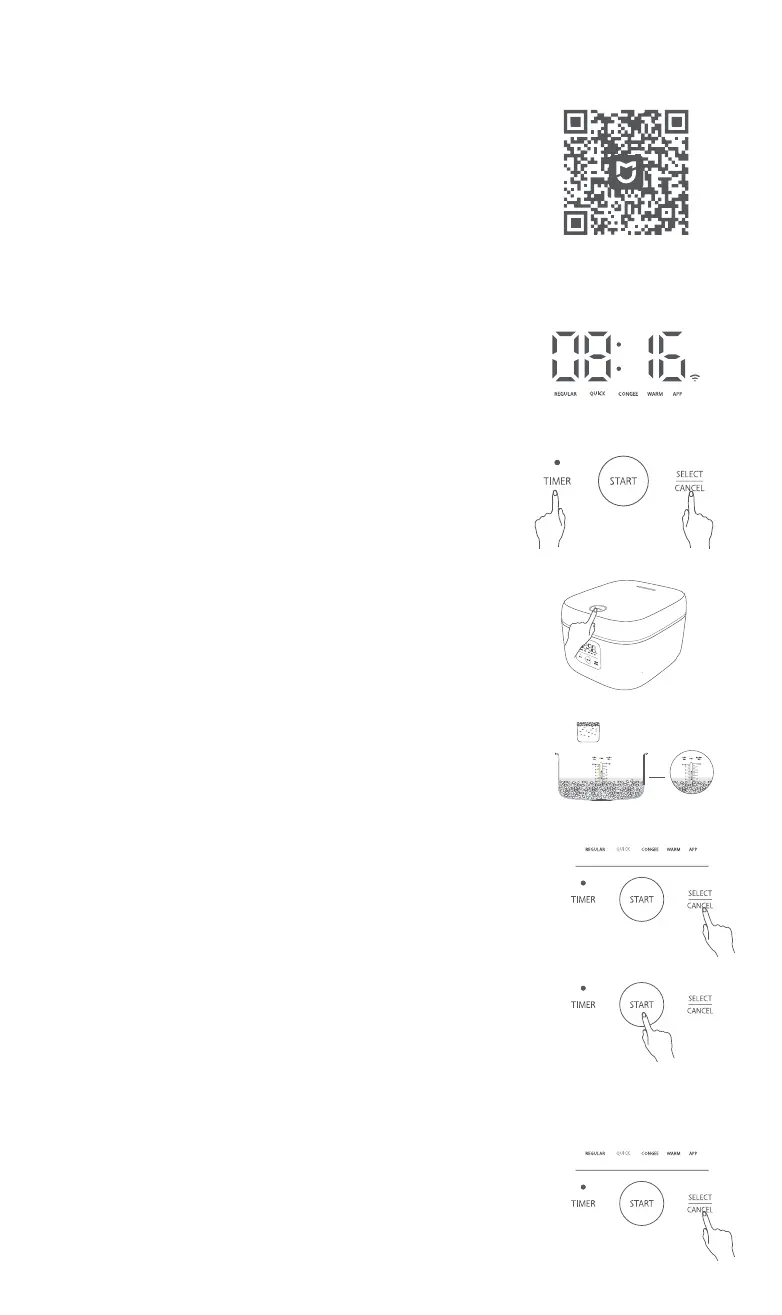
After powering on joyami Smart Rice Cooker L1, press down the button
"SELECT/CANCEL" and select a mode from "REGULAR", "QUICK",
"CONGEE", and etc. joyami Smart Rice Cooker L1 will cook automatically
for 60min when REGULAR is selected or 40min when QUICK.
4. Start to cook rice
Press down the “START” button to enter the state of cooking rice.
Switch the menu
Operating Guide
Press down the
“SELECT/CANCEL” button and select a mode you
intend to use. Every time you press down the button, the menu is
switched in the order of "REGULAR", "QUICK", "CONGEE", "WARM" and
"APP".
Connect to Wi-Fi
The Wi-Fi icon blinks when joyami Smart Rice Cooker L1 is powered on
for the first time. Search joyami Smart Rice Cooker L1 with Mijia APP and
then you may link it cooker to the APP. After connection, the Wi-Fi icon
is on constantly and goes off when the screen turns off.
Simultaneously press down the button “TIMER” and “SELECT/CANCEL”
for 3 seconds and then reset Wi-Fi. The screen displays a marquee tool
for resetting Wi-Fi settings. After a successful reset, the Wi-Fi icon
blinks on the screen and joyami Smart Rice Cooker L1 becomes ready for
connection.
Reset Wi-Fi
Start to Cook Rice
1. Open the lid
Press down the lid opening button.
Note 1: To take out the inner pot, gently push the lid to open it fully.
Avoid touching the inner lid when taking out the inner pot.
Note 2: Before starting the product for the first time, boil water 2 to 3
times with the mode "QUICK", 40min each time.
2. Put in rice and water
Put in 4 cups of Jasmine Rice and add water to the water level “4”, for
example. When adding water, do not exceed the corresponding water
level; otherwise, overflow, short circuit or other fault may be caused.
×4
4 cups of rice are for 4
persons approximately
Connect with Mijia App
Scan the QR code to download and install the app. You will be directed
to the connection setup page if the app is installed already. Or search
"Mijia" in the app Store to download and install it.
Open Mijia app, tap "+" on the upper right, and then follow prompts to
add your device.
Note: The version of Mijia app might have been updated, please follow
the instructions based on the current app version.
This product works with Mijia app. Control your device, and interact it
and other smart home devices with Mijia app.
03


 To Next Page
 Loading...