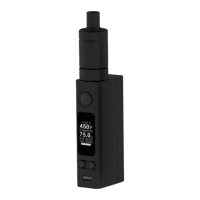
How to upgrade
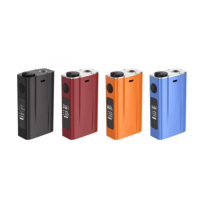
1. Download eVic firmware file 'code.bin' from www.joyetech.com.
2. Put this file into HEX folder under the root directory of MVR software.
3. Connect your eVic to computer, open MVR and click button 'Upgrade My ecig'. Wait until the program
finishes the installation.
Notice:
1. Please do not disconnect evic during the installation, or it may cause the program unstable.
2. Please do not change the name of upgrade file, or MVR will be not able to recognize it.


 To Previous Page