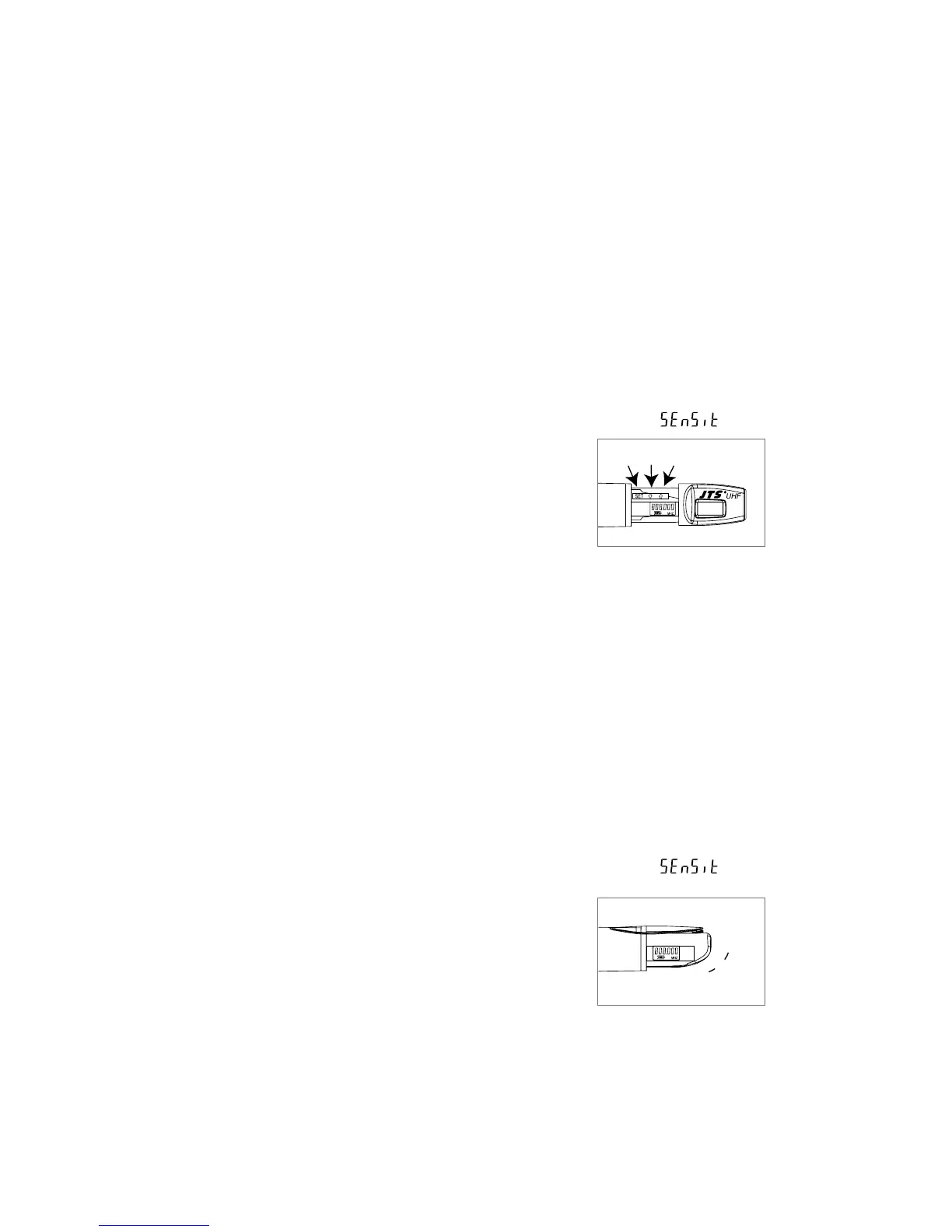
(4) Mh-950 Press the SET buon to select between frequency and sensitivity.
1. Frequency adjusting
Press the UP or DOWN buon to adjust the seing of a menu.
1-1 Hold SET buon for 3 seconds to activate frequency.
1-2 Once you see ”MHz” blanking , you are ready to select your desired frequency
by using UP and DOWN buons.
1-3 Press the SET buon again to store your changes.
2. Sensitivity adjusting
2-1 Press the SET buon twice to select sensitivity. Lasting for 3 seconds at the rst
press, then 1 second for the second press, and the display appears .
2-2 Use UP and DOWN buons to adjust changes.
2-3 Finally press EET buon again to store your changes.
(5) Mh-960 Press the SET buon to select between frequency and sensitivity.
1. Frequency adjusting
Press the UP or DOWN buon to adjust the seing of a menu.
1-1 Hold SET buon for 3 seconds to activate frequency.
1-2 Once you see ”MHz” blanking , you are ready to select your desired frequency
by using UP and DOWN buons.
1-3 Press the SET buon again to store your changes.
2. Sensitivity adjusting
2-1 Press the SET buon twice to select sensitivity. Lasting for 3 seconds at the rst
press, then 1 second for the second press, and the display appears .
2-2 Use UP and DOWN buons to adjust changes.
2 -3 Finally press SET buon again to store your changes.
UpSetDown
Up
Set
Down


 To Next Page