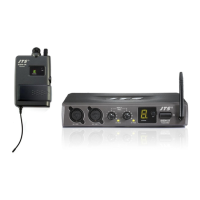
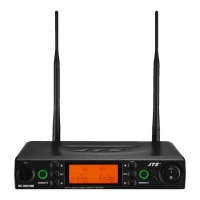
(7) Basic operation
1. Frequency adjusting
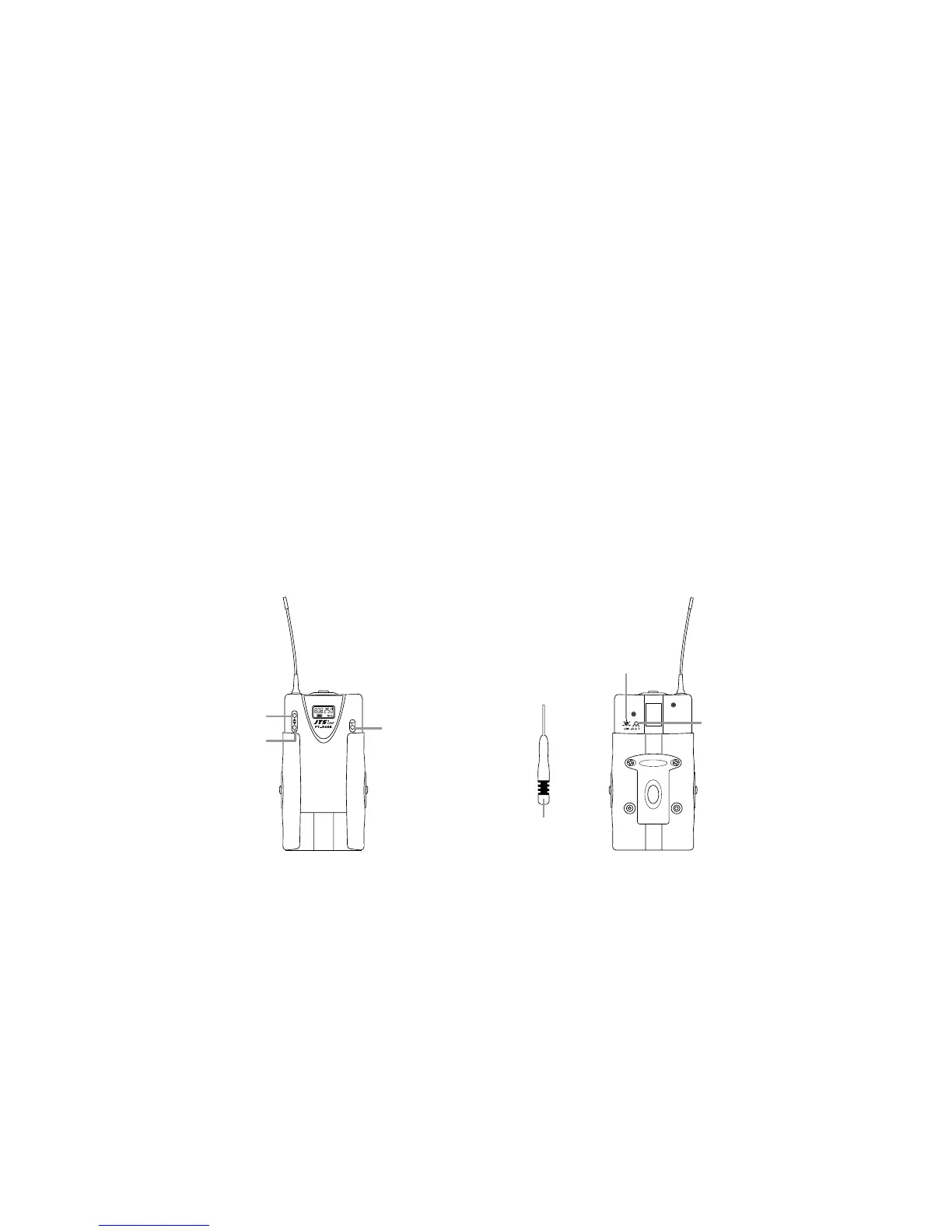
1-1 Hold SET buon for 3 seconds to activate frequency.
1-2 Once you see “MHz” blanking, you are ready to select your desired frequency by
using UP and DOWN buons.
1-3 Press the SET buon again to store your changes.
2. Sensitivity adjusting
e sensitivity control(AF level control) is in the up-le of the transmier’s back. Please
use the adjusting sticker to adjust the proper level.
3. To activate “Lock mode”
Hold on to UP buon for 3 seconds to activate “Lock mode”, press again to unlock.(Pre-
vent accidental programming or switching o)
ATTENUATION PAD
AF LEVEL CONTROL
AUDIO ADJUSTING STICKER
DOWN
UP
SET


 To Next Page