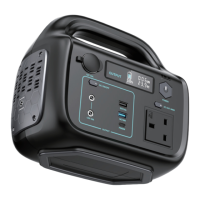
Troubleshooting & Safety
1. Please read all instructions carefully before using your Juice® Super Max 655Wh.
2. Close supervision is required when using this product around children to reduce risk.
3. Only use the Juice Super Max with devices that you know are safe and purchased from
reputable sources.
4. When the product is not in use, please remove your device’s power adapter from the socket.
5. Do not dismantle the product or try to repair it yourself, as this may lead to unpredictable risks
such as fire, explosion or electric shock.
6. Avoid using frayed or damaged charging cables with the Super Max to reduce risk of electric shock.
7. Charge the product in a well ventilated area and do not restrict ventilation in any way.
8. Take care to use the Juice® Super Max in a well ventilated and dry area, away from rain and
direct, intense sunlight.
9. The Juice® Super Max does not support pass-through charging, so ensure you have sufficient
required charge before use.
10. Do not use extension cords or charge multiple devices simultaneously from one AC socket.
11. To maintain optimum performance, charge the Super Max every 3 months when not in active use.
12. It is recommended to preserve the health and performance of the battery cells by leaving the
Super Max powered down for around 2 hours before recharging after fully discharging the battery.
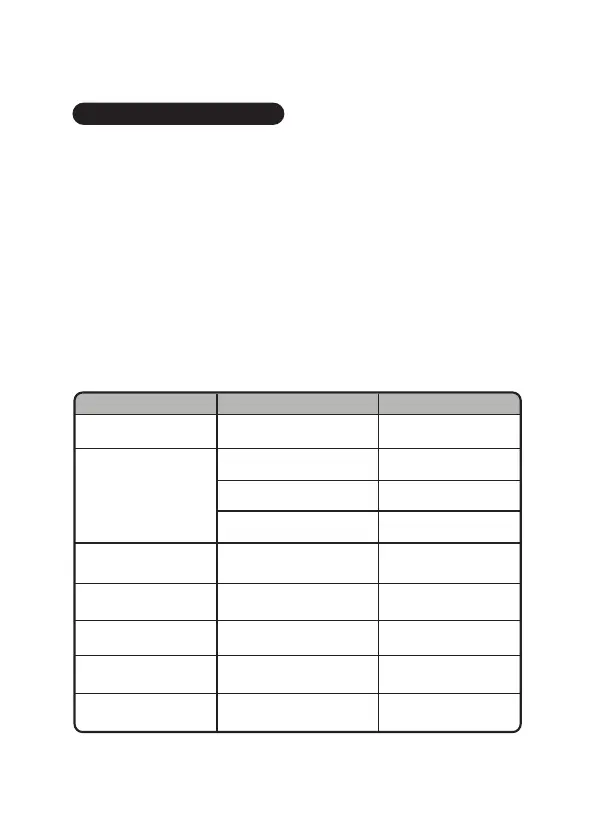
ISSUE REASON SOLUTION
USB ports have no output The DC button is not pressed Press the DC button
Can’t recharge
with solar panels
Insufficient sunlight or the
solar panel being used may is
less powerful than recommended
Use more powerful solar panels
with an output higher than
the Super Max’s required input
LCD screen appears
incorrect
The screen is broken,
or the internal line is reversed
Contact
customerservices@juice.co.uk
Can’t recharge from
wall output
Charger may be broken
or management system broken
Contact
customerservices@juice.co.uk
Energy output is less than
expected
AC ports and DC ports are active
simultaneously, or maximum
rated power exceeded
Reduce the no. of devices
on charge
Buttons, screen &
output unresponsive
LCD screen displays as
normal, AC output is
unresponsive despite AC
button being pressed
Lower power or
overload protection
Overheating
Turn the Super Max off and
recover it to normal temp
Overload
Remove connected devices
to reduce load and recover
Low voltage or low capacity Recharge the Super Max
Ensure the Super Max
has charge


 To Next Page
 Loading...