EN
32
Bluetooth
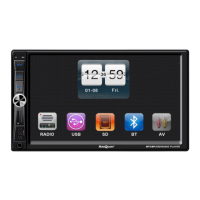
1. Press the symbol BT in the main menu to
select Bluetooth.
2. Use the mobile phone’s Bluetooth function
to search for the car stereo and to pair the
units. A message is shown when the pairing
is successful. If the mobile phone rings
when it is paired to the car stereo the stereo
will automatically switch to audio mode.
When the call ends the car stereo returns to
the previous mode (if possible).
3. Calls are made in the same way as on a
smartphone.
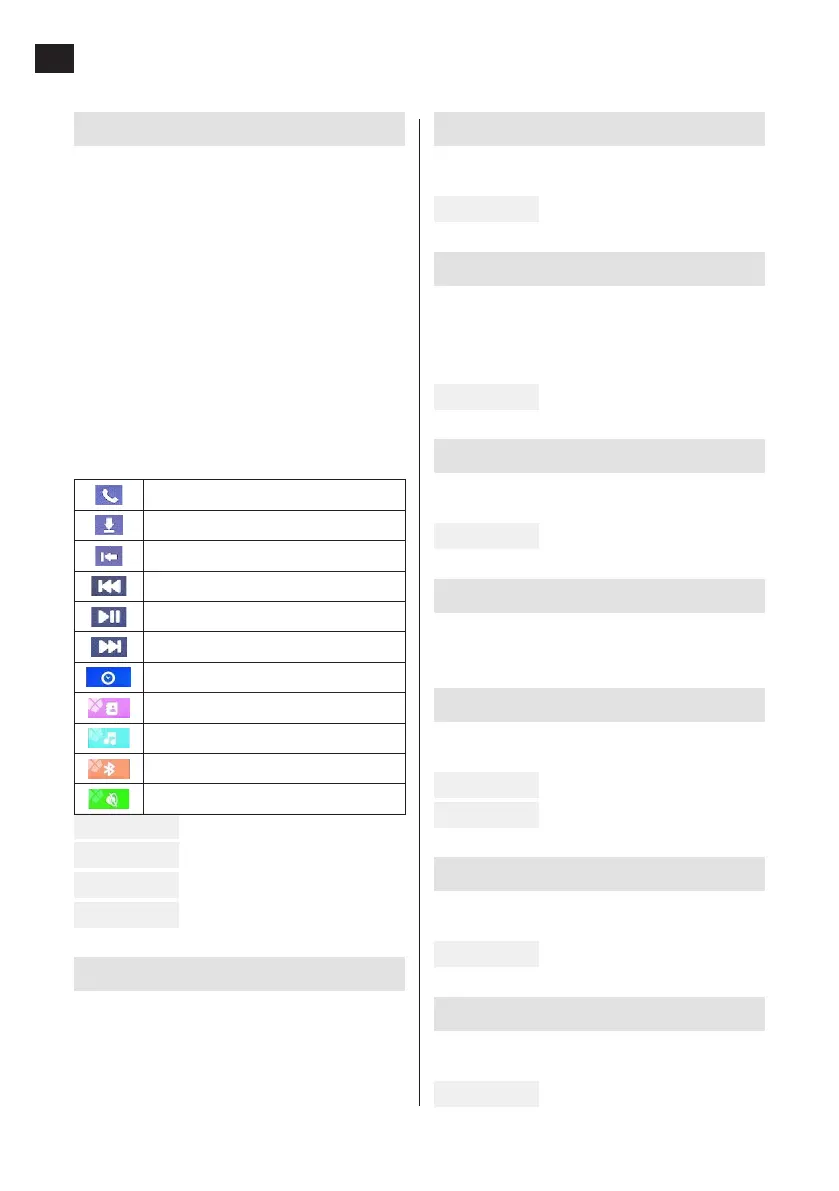
See the icons below to control functions in
Bluetooth mode:
Call/answer
Download call history
Delete phone number
Previous
Play/Pause
Next
Events
Phone book
Music mode
Bluetooth mode
Mute
FIG. 14
FIG. 15
FIG. 16
FIG. 17
AUX input
Press the symbol AV in the main menu to select
audio source connected to the car stereo’s AUX
input.
Basic settings
Press the symbol SETUP in the main menu to
make required settings.
FIG. 18
Setting the time and date
Press the symbol TIME in the main menu to
make required settings. All values are changed
by pressing the up or down arrow. Conrm set
value with OK.
FIG. 19
Setting the background image
Press the symbol SKIN in the main menu to
make required settings.
FIG. 20
Setting the logo
Press the symbol LOGO in the main menu to
select which logotype is shown on the display.
Setting the sound
Press the symbol AUDIO in the main menu to
make required settings.
FIG. 21
FIG. 22
Setting the image display mode
Press the symbol VIDEO in the main menu to
make required settings.
FIG. 23
Setting the steering wheel functions
Press the symbol SWC in the main menu to
make required settings.
FIG. 24


 To Previous Page
 Loading...