2
+
VOL
VOL
-
+
CH
CH
-
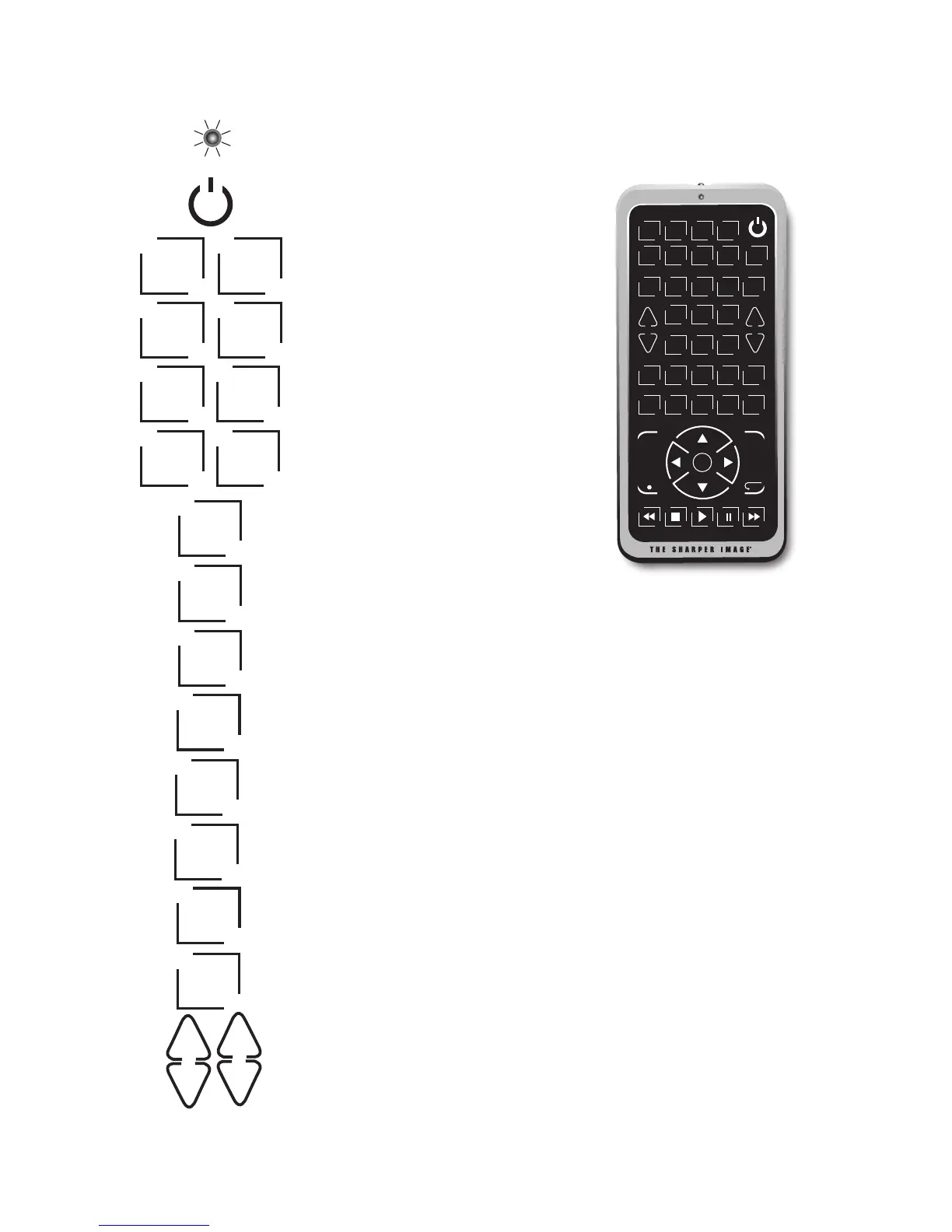
ON/OFF BUTTON:To turn the remote
control ON or OFF.
SIGNAL INDICATOR LIGHT (LED):
The Indicator Light flashes to show
that the remote is working properly.
TV, DVD, VCR, DVR, SAT/CBL,
AUDIO/CD, AUX1 and AUX2:
used to select the device you
want to control.
M-POWER: To turn ON or OFF all
programmed devices at the same time.
TV/VCR: Operates the TV/VCR
functions.
LEARN: Jumbo Remote’s
learning feature.
MENU: To bring up the main menu.
QUIT: To exit MENU functions.
INPUT: To select the video input of your TV if it is equipped
with this feature.
SLEEP: Allows you to set a time to turn off your devices
automatically.
MUTE: Mutes the volume.
VOL+, VOL-: To increase or decrease volume.
CH+, CH-: To change the channels on the TV.
TV DV D VC R DV R
ME N U
+
VOL
VOL
-
+
CH
CH
-
QU I T
1 2 3
4 5 6
7 8
0
OK
9
IN P UT SL E EP MU T E
TV / VC R PAG E
+
LE A RN DI S PL AY EN T ER PAG E
-
GU I DE RE PE AT
CB L C D
SAT AU D IO
AU X 1 AU X 2 M-POWER
TV/VCR
LEARN
TV DVD
CBL
SAT
CD
AUDIO
VCR DVR
AUX1 AUX2
M-POWER
MENU
QUIT
INPUT
SLEEP
MUTE



 To Next Page