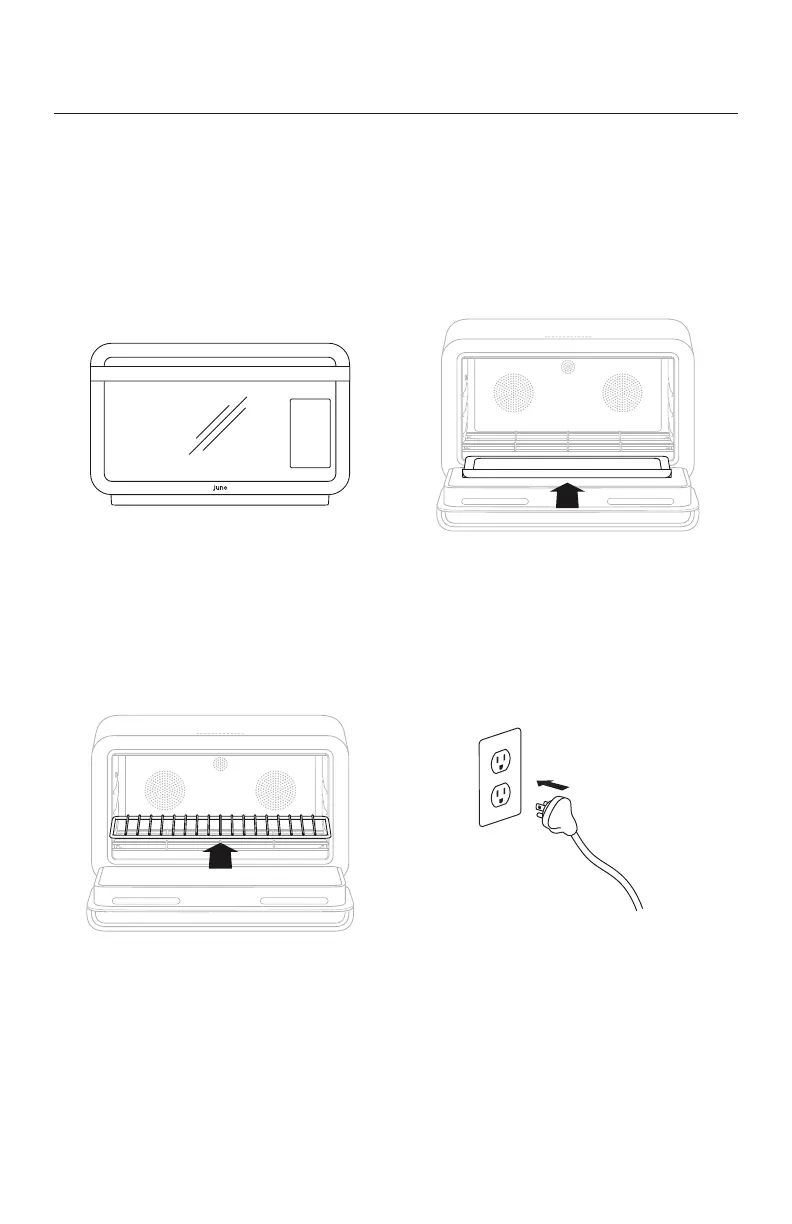
3. Insert wire shelf
Insert the wire shelf in the middle rack position. The
shelf’s raised cross bars should be on top.
2. Insert crumb tray beneath
heating elements
Insert the crumb tray on the oor of the oven, beneath
the boom heating elements.
4. Plug in your oven
The touch-screen display will turn on. Make sure your
oven is plugged directly into a wall socket—don’t use an
extension cord or adapter, which could pose risk of re.
1. Remove protective packaging
Remove tape from the oven. Remove all packaging
from oven accessories.
Get Started


 To Next Page