E-MAIL MESSAGING 21
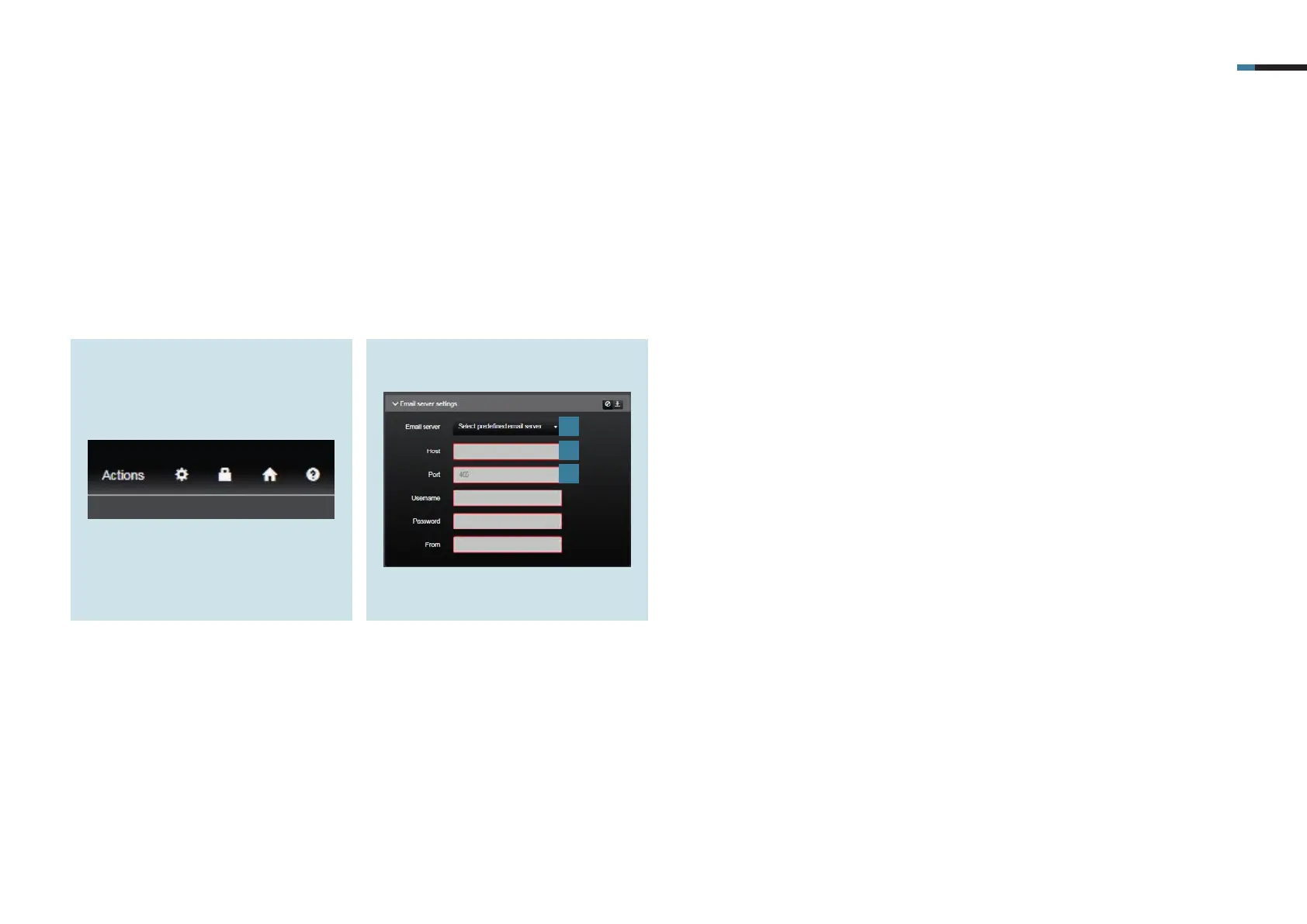
1. Open your system settings in
SV Control using the cogwheel.
13. Set up email server settings
First of all you should specify the email server settings for your email provider.
2. In the email server settings tab, you
will find the preset email server
settings for several providers under
Email server [1]. If you do not use any
of the listed providers you will have to
enter the host [2] and port [3] for your
provider.
You can find out the host and port
used by your provider via https://
www.pop3-imap-smtp.de.
1
2
3



 To Next Page