SMART VISU SERVER + SONOS 16
1
2
3
4
7.3 Connect loudspeaker to KNX push-button sensor (step 2 of 2)
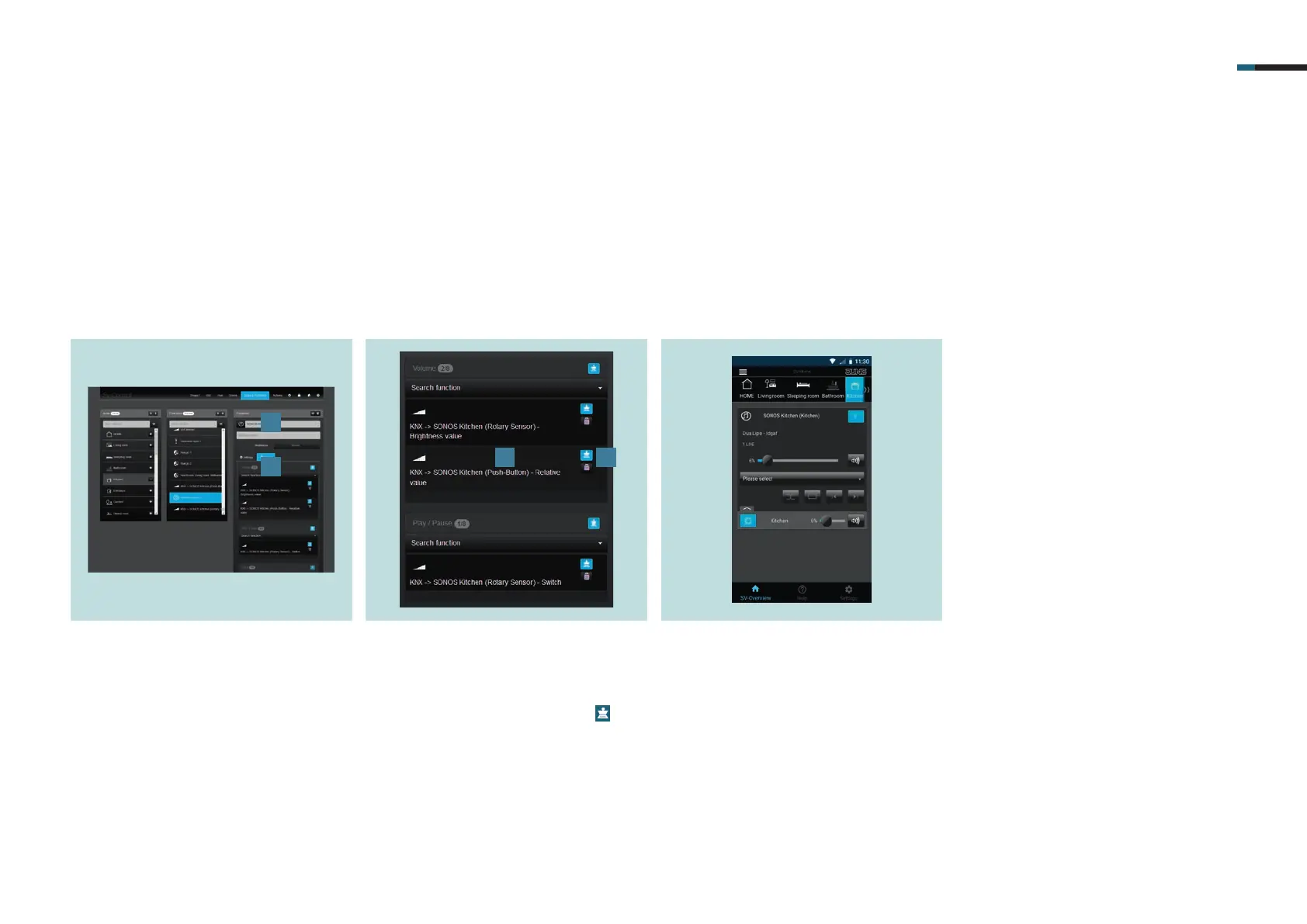
. Switch back to the Sonos loudspeaker
(Sonos Kitchen) [].
. All coupled KNX group addresses with
which you can operate your Sonos
loudspeaker are now displayed under
Coupling [].
. Now add the function Virtual Dimmer
or KNX > Sonos Kitchen (push-button)
for control of the volume [].
. Ensure that the Master button
is
activated [].
The picture shows the Sonos control in
SV-Home. You can now conveniently
control your favourite music via the JUNG
KNX rotary sensor, KNX push button sen-
sor and on the move via SV-Server app.



 To Next Page