SMART VISU SERVER + ASTRO FUNCTION 6
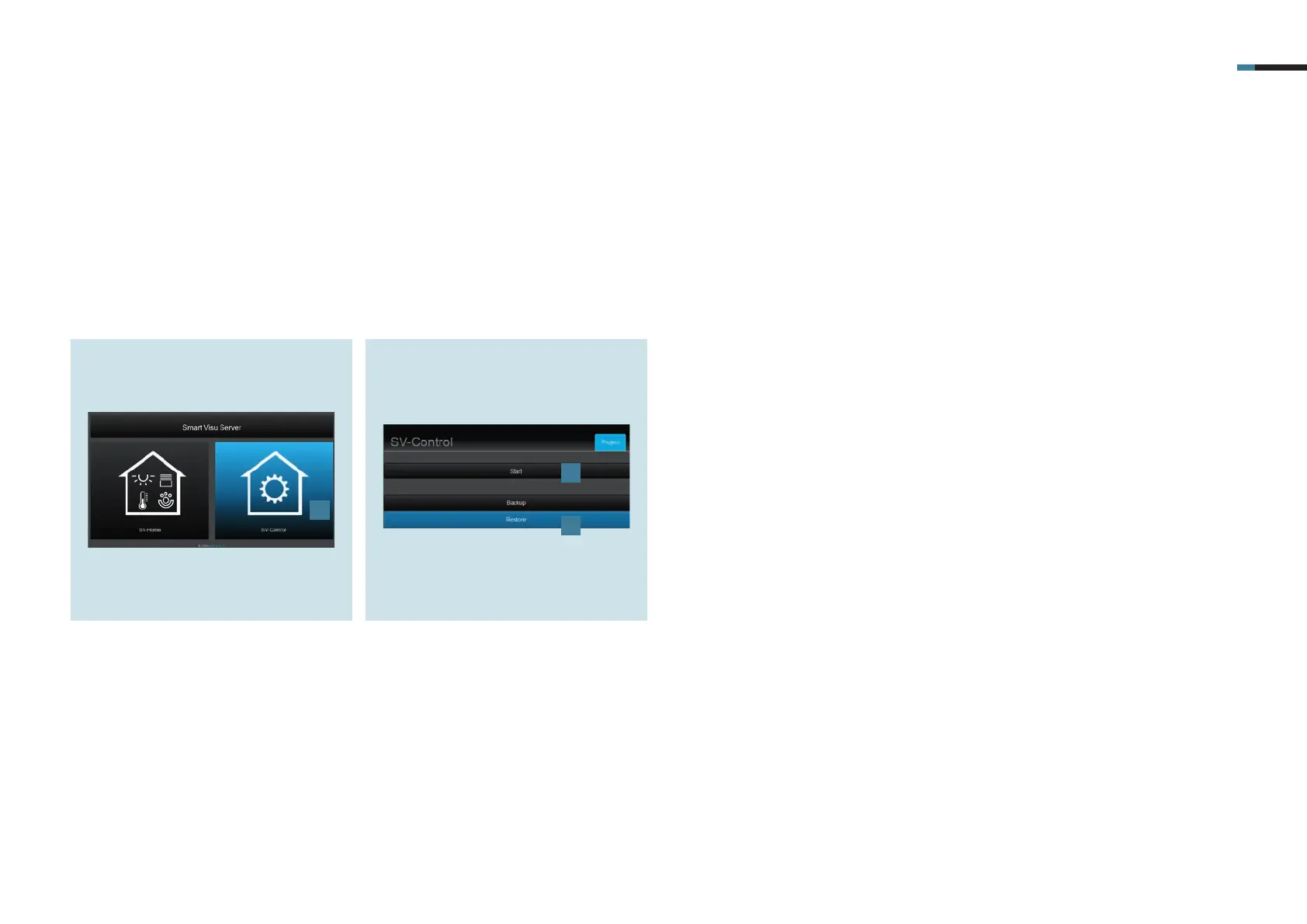
1. Select the SV Control button [1].
4. Commissioning Smart Visu Server
Integrate the Smart Visu (SV) Server in your home network.
Call the SV Server via the web browser of your terminal device (PC, laptop, tablet).
To do so, enter the address http://sv-server.local or the IP address of the SV Server allocated by the router.
If the SV Server is protected by a password, enter this.
2. Create a new project with Start [2] or
import an existing one with Restore [3]
and navigate to the KNX tab.
1
2
3



 To Next Page