SMART VISU SERVER + REMOTE ACCESS 4
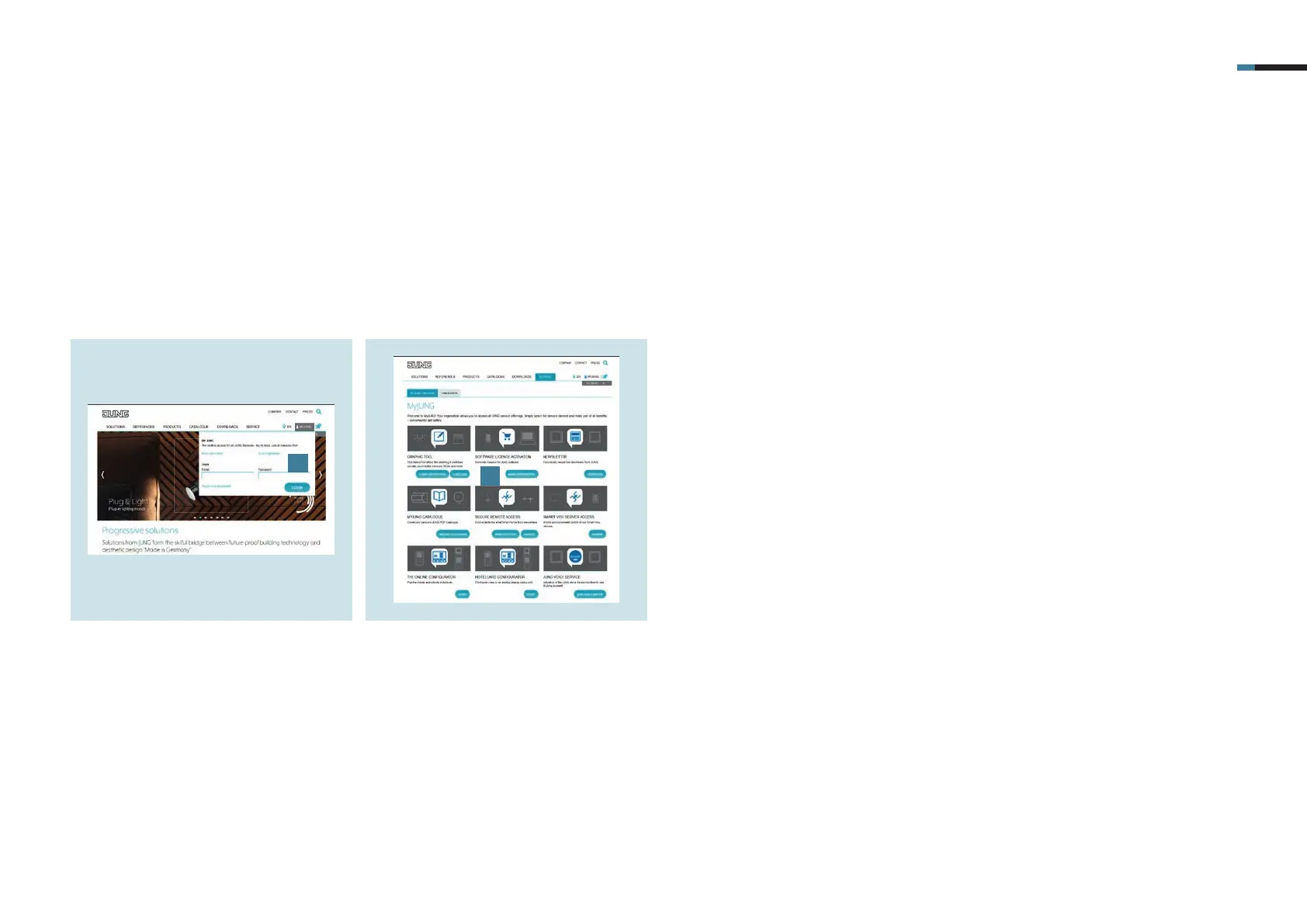
1. Log in to the MyJUNG portal or register
as a new user [1].
3. Activation of the remote access using the MyJUNG portal
First, open the MyJUNG portal on the JUNG website.
2. Select More Information [2] in the
Software Licence Sales selection field
to purchase a remote access license.
1
2



 To Next Page