SMART VISU SERVER + PRESENCE SIMULATION 7
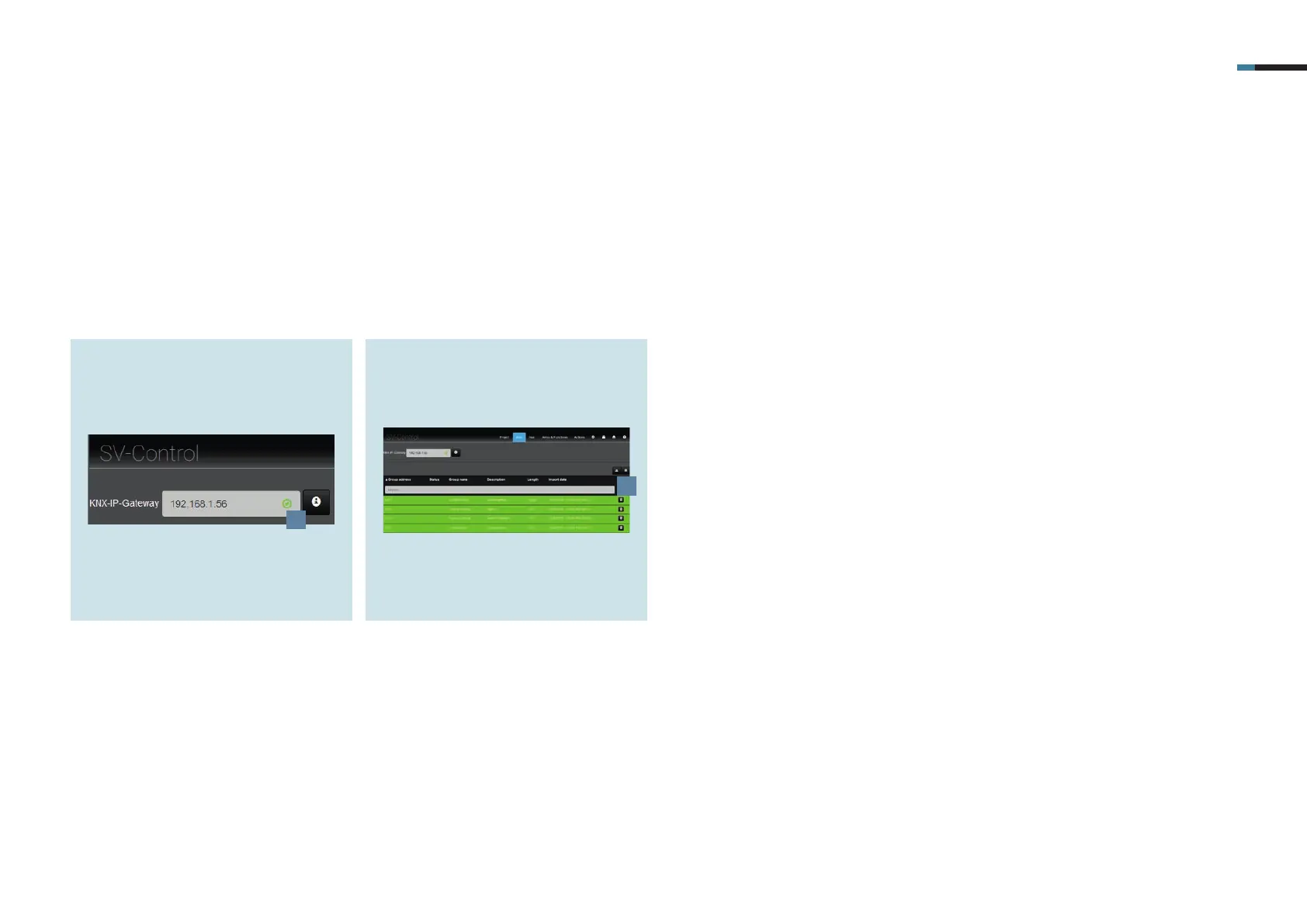
1. Enter the IP address of the KNX IP
interface in the KNX-IP-Gateway field
[1] on the KNX tab. You can recognise
a successful connection by the green
tick.
4.1 KNX – general configuration
The individual steps for connecting your KNX system to the Smart Visu Server are explained below.
2. Import the KNX group addresses of
your project using the Import [2]
button. Newly added group addresses
are marked in green.
1
2



 To Next Page