11.14 EN
70
2.6 Operation of the multifunction display
Procedure
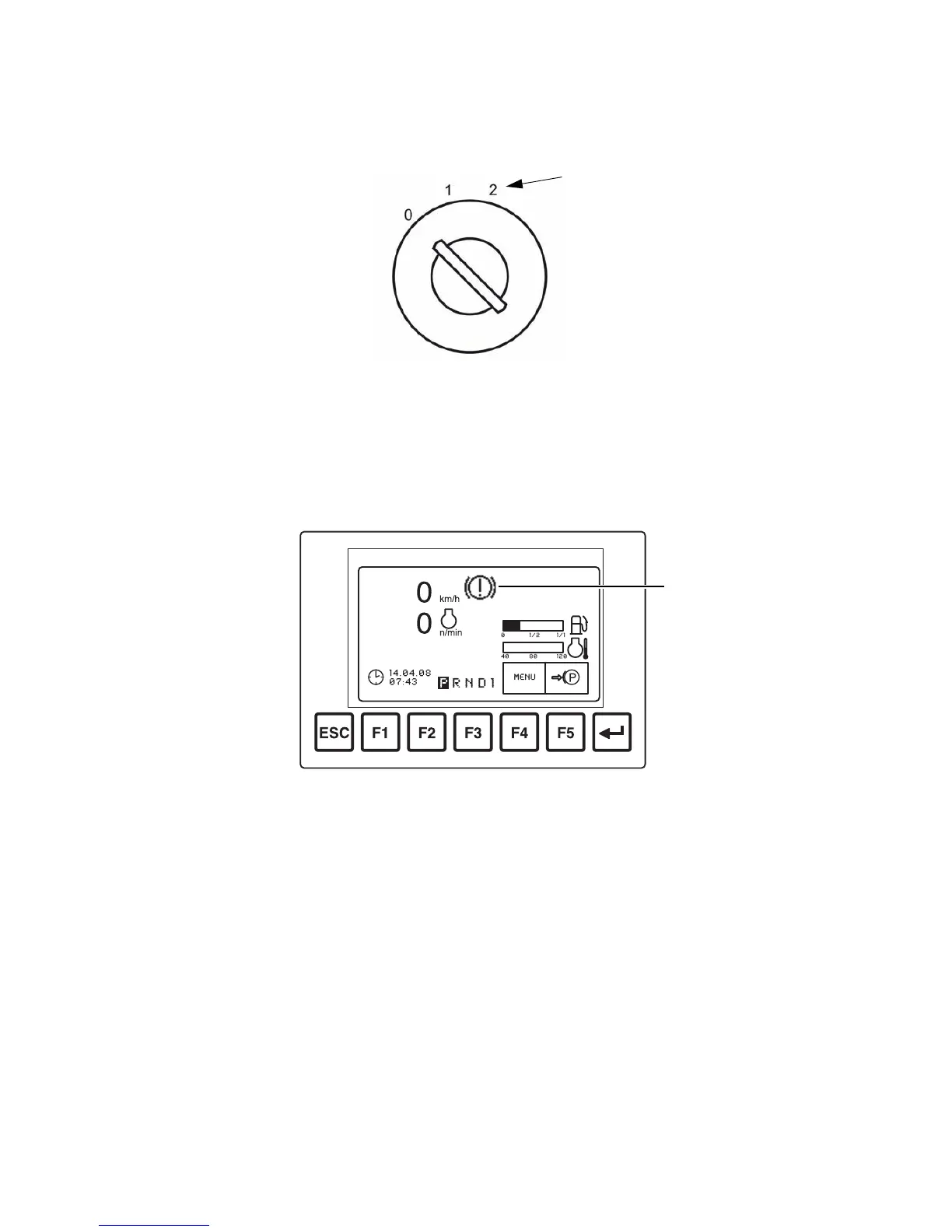
• Turn the key switch to stage "2" with the key.
Operating data as well as Errors and information are shown in the multifunction
display. Pictograms in the top section of the display act as warning indicators (99).
The function keys (lower row) are lit. Areas inside borders in the display are directly
assigned to these via function keys. Press the "ESC" key to exit the current menu
item. Press the "Enter" key to go one step back.
3
99


 To Next Page
 Loading...